Understanding AI Art Styles: A Visual Reference Guide
Written by ThumbPrompt Pro Team
We are a team of AI Prompt Engineers and Digital Creators. We test thousands of AI prompts to help you generate stunning images and high-converting thumbnails.
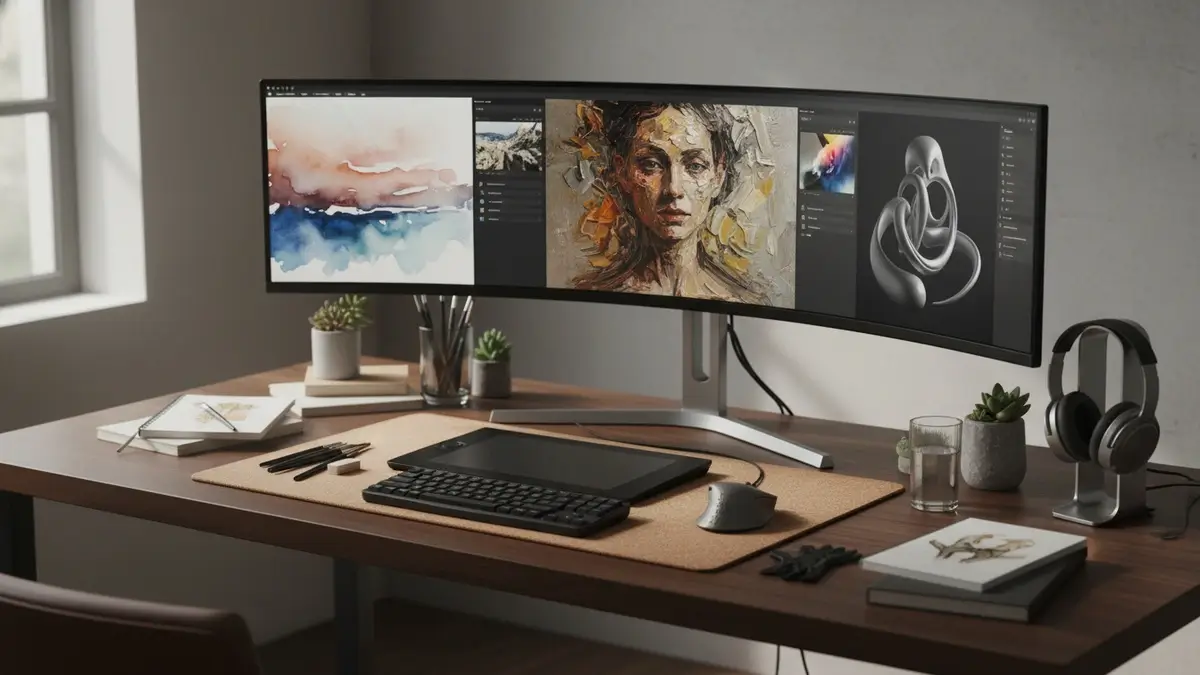
One of the most powerful features of AI image generators like Midjourney, DALL-E 3, and Stable Diffusion is their ability to mimic almost any art style in human history. From 16th-century oil paintings to futuristic 3D renders, the AI knows them all.
However, simply typing "make it look cool" won't get you far. To unlock the true potential of these tools through understanding ai art styles, you need to know the specific vocabulary of art styles. In this comprehensive guide, I will break down the most popular styles, explain what makes them unique, and give you the exact keywords to use in your prompts.
1. Photorealism & Cinematic
This is arguably the most popular style, especially for commercial work, YouTube thumbnails, and concept art. Understanding ai art styles like this is crucial, as the goal is to make the image look like it was captured by a high-end camera.
- Key Characteristics: Sharp focus, realistic lighting, depth of field, visible textures (like skin pores or fabric weaves).
-
Keywords to Use:
photorealistic, 8k resolution, shot on 35mm lens, cinematic
              lighting, highly detailed, Unreal Engine 5 render, depth of field,
              macro photography
2. Cyberpunk & Synthwave
These styles are heavily influenced by 1980s sci-fi and retro-futurism. They are perfect for gaming content, music covers, and tech-focused art.
- Key Characteristics: Neon lights (pink, purple, cyan), dark rainy environments, futuristic technology, grid lines, glowing elements.
-
Keywords to Use:
cyberpunk aesthetic, neon lighting, synthwave, outrun,
              retro-futurism, glowing pink and blue, dystopian city, blade
              runner style
3. 3D Render & Pixar Style
If you want cute, stylized, and highly polished images, this is the style for you. It mimics the look of modern 3D animation studios, which is why understanding ai art styles in the 3D realm is so popular.
- Key Characteristics: Smooth textures, exaggerated proportions, bright and cheerful colors, soft studio lighting.
-
Keywords to Use:
3D render, Pixar style, Disney animation style, Octane render,
              smooth lighting, cute, stylized 3D, ZBrush
4. Traditional Art Mediums (Watercolor, Oil, Sketch)
AI is fantastic at replicating the physical imperfections of traditional art mediums. Understanding ai art styles across physical mediums is great for book illustrations, wall art, and greeting cards.
- Key Characteristics: Visible brush strokes, paper textures, paint splatters, pencil lines.
-
Keywords to Use:
watercolor painting, oil painting on canvas, rough pencil sketch,
              charcoal drawing, impasto technique, visible brush strokes
5. Anime & Manga
The anime style is incredibly diverse, ranging from the soft, nostalgic look of Studio Ghibli to the sharp, action-packed look of modern shonen anime. Understanding ai art styles within this genre unlocks limitless creativity.
- Key Characteristics: Large expressive eyes, flat shading (cel shading), dynamic angles, stylized hair.
-
Keywords to Use:
anime style, Studio Ghibli aesthetic, Makoto Shinkai style, cel
              shading, 2D illustration, manga cover art, vibrant colors
6. Vector & Flat Illustration
This style is essential for web designers, UI/UX professionals, and marketers. It produces clean, scalable-looking graphics.
- Key Characteristics: Solid colors, no gradients (or very simple ones), clean geometric shapes, minimalist design.
-
Keywords to Use:
flat vector illustration, minimalist, corporate memphis style,
              dribbble aesthetic, UI design asset, clean lines, solid
              colors
How to Combine Styles
One of the most fun things to do with AI is combining two completely different styles to create something entirely new. This is called "style blending."
For example, you can combine "Cyberpunk" with "Watercolor Painting" to get a beautifully chaotic, neon-drenched painting. Or combine "Pixar Style" with "Dark Fantasy" for a creepy but cute 3D character.
Frequently Asked Questions (FAQs)
Can I use a specific artist's name in my prompt?
Yes, using an artist's name (e.g., "in the style of Greg Rutkowski" or "by Alphonse Mucha") is one of the fastest ways to achieve a specific look. However, there is an ongoing ethical debate about this practice. To be safe and original, it is often better to describe the elements of their style (e.g., "art nouveau, intricate gold linework") rather than using their name directly.
Why does my AI art look "plastic" or fake?
This usually happens when you use too many 3D or rendering keywords
(like "Unreal Engine" or "8k") without balancing them with realistic
keywords. To fix the "plastic" look, add terms like
film grain, raw photography, candid, imperfect, shot on 35mm.
Conclusion
Understanding ai art styles is the key to unlocking your full potential as an AI prompt engineer. By learning this vocabulary, you move from simply "generating images" to actually "directing art."
Keep this guide handy as a visual reference. And if you want to experiment with these styles without typing out long prompts, try our Free AI Image Prompt Generator. You can select your desired style from a dropdown menu, and we will build the perfect prompt for you!