AI Thumbnail Prompt Generator
Generate high-CTR YouTube thumbnail prompts optimized for clicks and engagement
1. Video Concept
2. Psychology & Style
Enter a topic to start
*Visualizer is a layout approximation. The AI Prompt below generates the photorealistic result.*
Fill out the form and click Generate
Primary Prompt
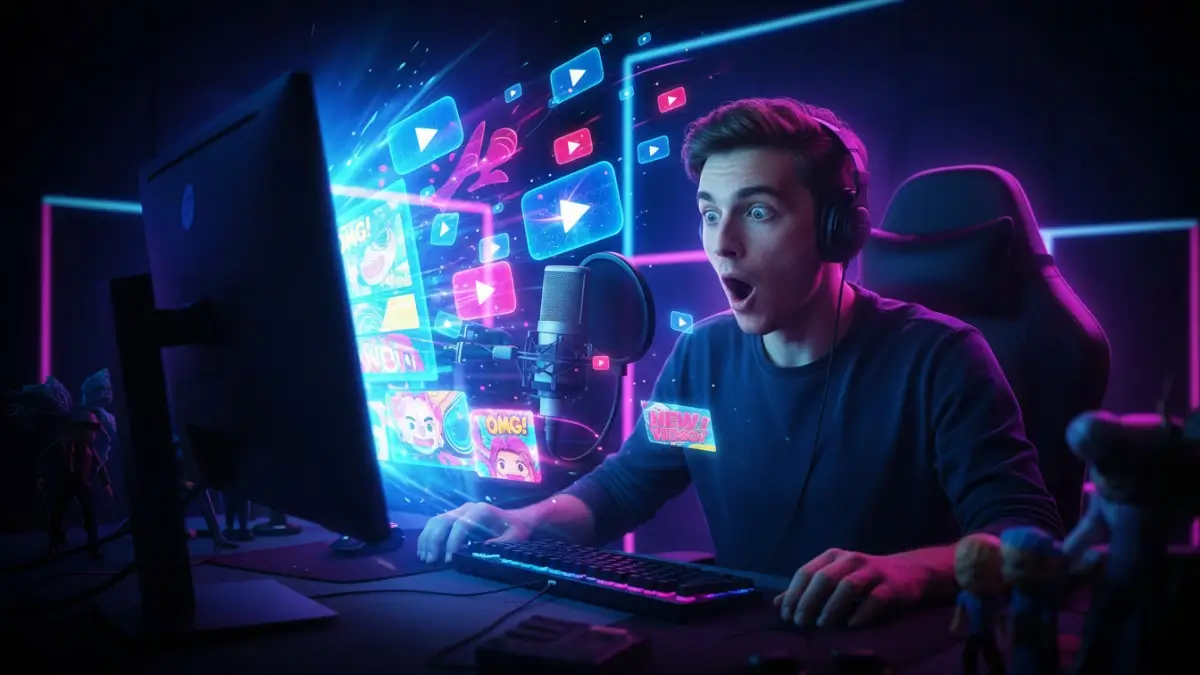
Artistic Variation
DALL-E Optimized
Tip: Paste these prompts into Bing Image Creator, Midjourney, or Leonardo.ai. These are prompt-generation results only; you will need an external AI image tool to render the final image.
Advertisement helps keep this tool free for everyone.
Example Thumbnail Results
Real examples generated using prompts from this tool.
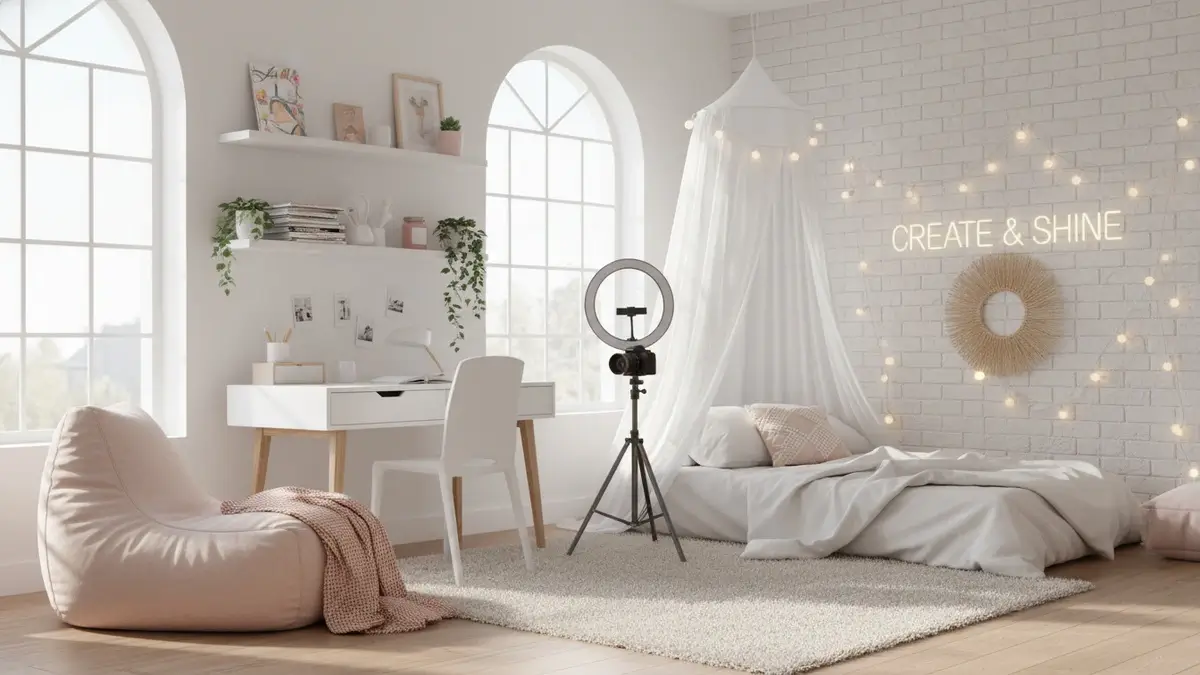
Gaming Niche
"Shocked face, Minecraft background, vibrant neon green lighting, cinematic..."
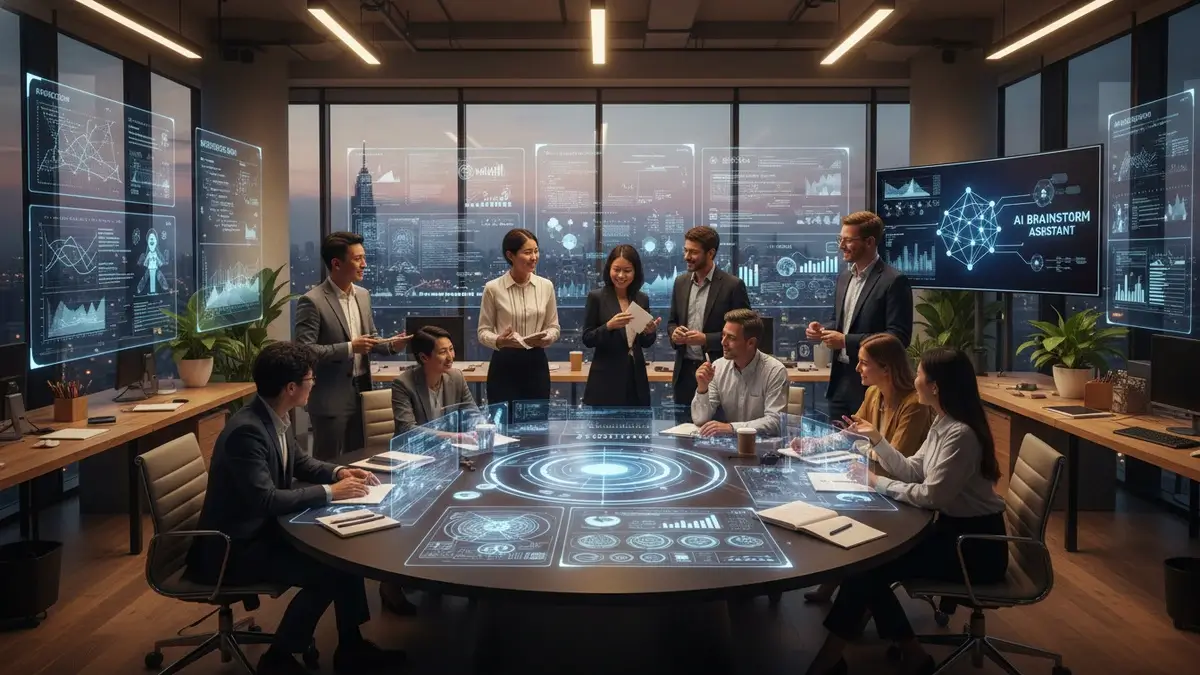
Finance Niche
"Serious professional face, holding stacks of cash, dark moody background..."
More Professional AI Tools
Expand your artistic horizons with our other high-performance AI prompt generators:
The Science of High-CTR YouTube Thumbnails
In the highly competitive world of YouTube, your thumbnail is often the single deciding factor in whether a viewer clicks on your video or scrolls past it. A great video with a poor thumbnail will struggle to get views. Our AI Thumbnail Prompt Generator focuses on the proven, data-backed elements that drive high Click-Through Rates (CTR):
1. Emotional Impact & Facial Expressions
Human brains are hardwired to look at faces. Expressions that trigger curiosity, shock, excitement, or confusion immediately grab attention. Our tool lets you specify exact emotions to ensure your AI-generated subject connects with the viewer on a human level.
2. Color Psychology & Contrast
High-contrast color palettes (like Red/Yellow, Blue/Orange, or Neon Green/Dark Purple) stand out dramatically in YouTube's search results and suggested feeds. Our generator automatically incorporates these color theories into your prompt to make your visuals pop.
3. Clear, Readable Text Integration
While AI struggles with perfect text generation, our tool helps you plan for text placement. By specifying "negative space" or "text position," you ensure the generated image has room for bold, readable text that communicates value instantly without cluttering the main subject.
4. Professional Composition & Framing
Balanced layouts, rule of thirds, and close-up framing look polished and draw the eye directly to the main subject. We include composition keywords to guarantee a professional look that builds trust with your audience.
How to Use This Tool for Maximum Views
Using the AI Thumbnail Prompt Generator is incredibly simple, yet powerful. Start by entering your video's core topic. Next, select your specific niche (e.g., Gaming, Finance, Vlogging) so the AI understands the context. Choose the desired facial expression to drive emotion, and pick a color scheme that pops.
The tool will instantly generate a highly optimized prompt that you can paste directly into Midjourney, DALL-E 3, or Stable Diffusion. We even provide variations so you can A/B test different concepts and find what works best for your specific audience.
For more advanced strategies on creating viral thumbnails, including font choices and A/B testing methods, read our comprehensive Midjourney Thumbnail Guide.
Explore More Professional AI Prompt Generators
Combine our specialized prompt construction engines to streamline your creative design, graphic branding, cinematography, and copywriting workflows.
Frequently Asked Questions
Everything you need to know about YouTube Thumbnail Prompts
What makes a YouTube thumbnail prompt successful?
A successful thumbnail prompt focuses on clean composition, high-contrast colors, dramatic close-ups of expressive faces, and clean, clutter-free backgrounds to optimize mobile readability.
How does the live viewport preview work?
Our customized viewport container simulates a real YouTube video card on desktop and mobile feeds. You can type in thumbnail titles, scale font sizes, and check readability before rendering the graphic.
Which AI model is recommended for high-CTR thumbnails?
Midjourney v6 is exceptionally strong for cinematic realism, texturing, and expressive faces, while DALL-E 3 is highly capable of rendering legible short texts inside the image.
Should I add text directly in my Midjourney thumbnail prompt?
No, we recommend keeping text out of the base image prompt. Instead, generate a clean, impactful graphic and overlay vector typography using our preview overlay or tools like Canva.
What aspect ratio should I use for YouTube thumbnails?
YouTube thumbnails must be created in a 16:9 aspect ratio. Our generator automatically appends the correct --ar 16:9 flag for Midjourney formats.
How do I prompt for highly expressive faces?
Our tool uses specialized close-up focus tags and emotional modifiers like "eyes wide in shock", "pointing in excitement", or "reaction face" to trigger realistic close-up portraits.
Why is high contrast important for mobile devices?
Over 70% of YouTube traffic occurs on mobile screens where thumbnails appear very small. Heavy contrast and simplified elements ensure your design stands out in busy feeds.
Can I generate thumbnails with cartoon or anime styles?
Yes, you can choose 3D illustration, digital art, or anime presets from our menu to align the thumbnail aesthetics with your channel's unique branding style.
Is the Thumbnail Generator completely free to use?
Yes, the thumbnail generator tool is completely free with no restrictions, meaning you can draft unlimited thumbnail design concepts for your videos.
How do I combine my generated thumbnail image with titles?
Use the copy button to capture the optimized prompt, render it in your favorite AI image generator, and then import it into a graphic design tool to add bold stroke text.
Explore Thumbnail Prompts by Niche
Browse our massive collection of copy-paste AI thumbnail prompts optimized for every YouTube category.