Free AI Prompt Generator Tool
Generate powerful, professional AI prompts for images, thumbnails, and AI art in seconds.
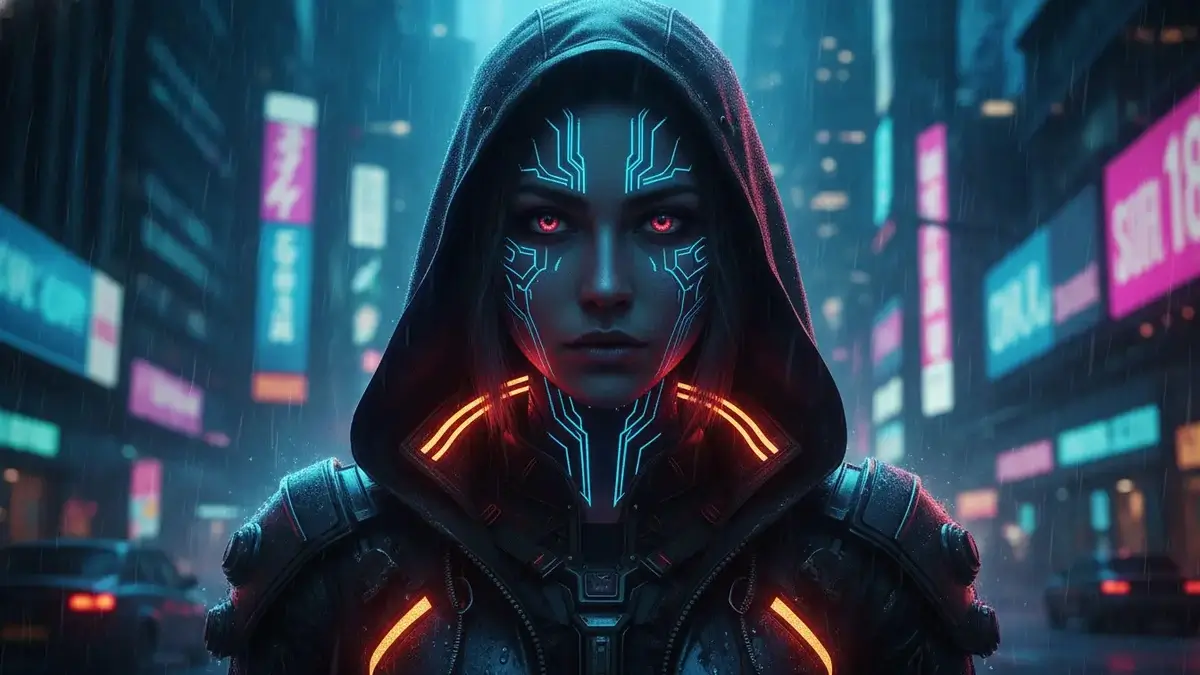
AI Image Prompt Generator
Your AI Prompt:
Advertisement helps keep this tool free for everyone.
Generated with ThumbPrompt Pro
See what our community is creating using our advanced prompt engineering tool.
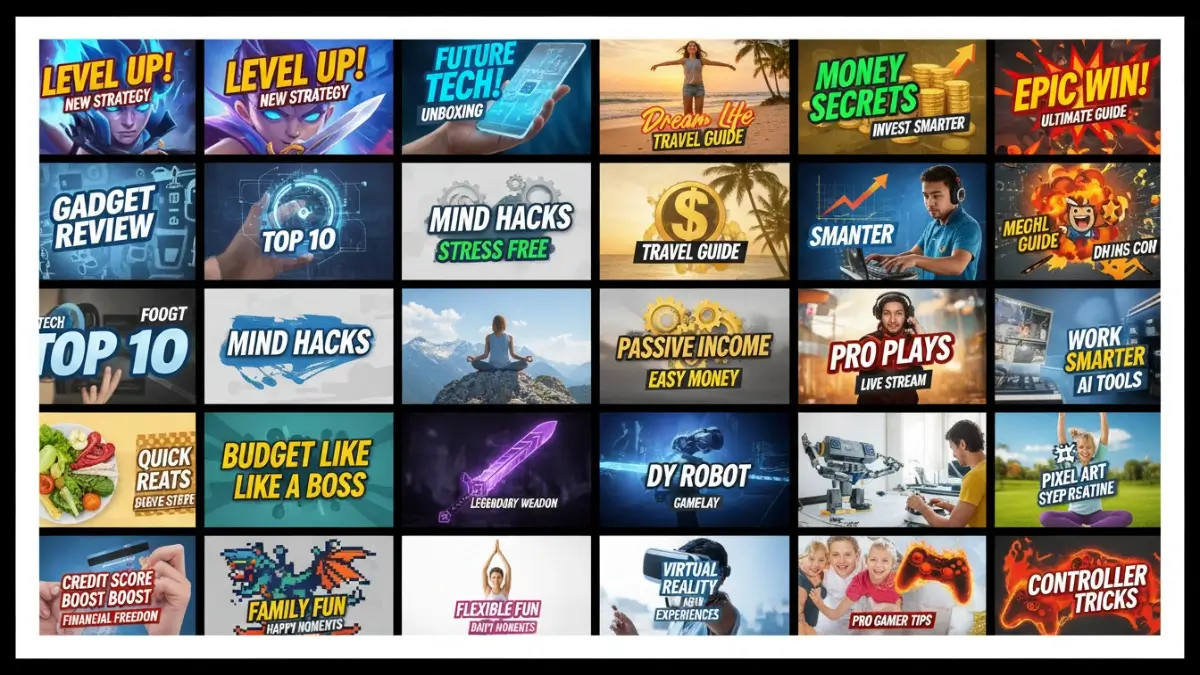
"Diverse AI thumbnail categories, vibrant colors, highly detailed, professional YouTube thumbnails, 8K..."
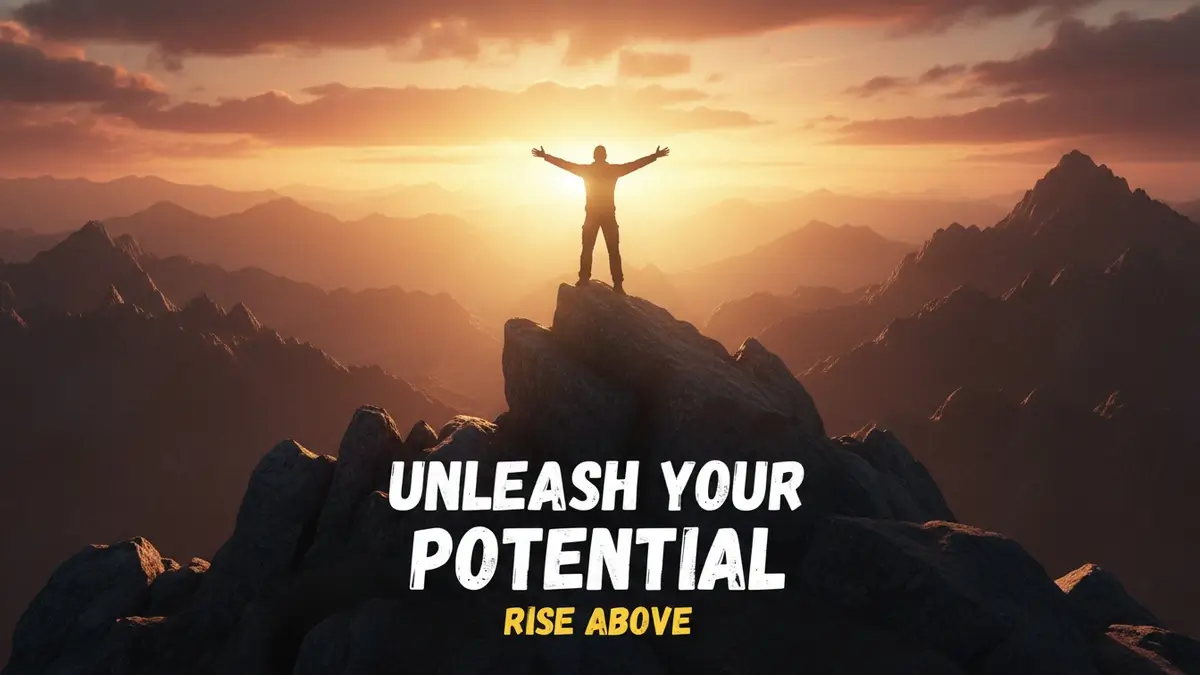
"Powerful motivation thumbnail, silhouette of a person on mountain peak at sunrise, epic landscape, golden hour, 8K..."
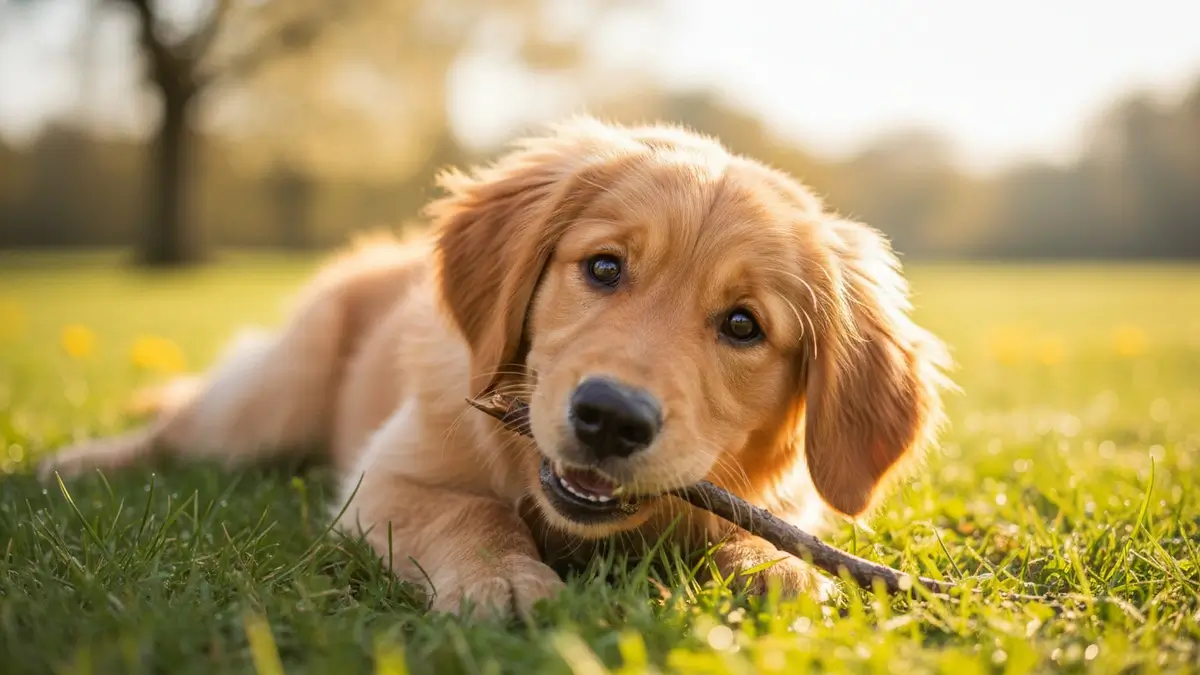
"Cute pet photography, golden retriever puppy in sunny park, soft bokeh background, vibrant green grass, 8K..."
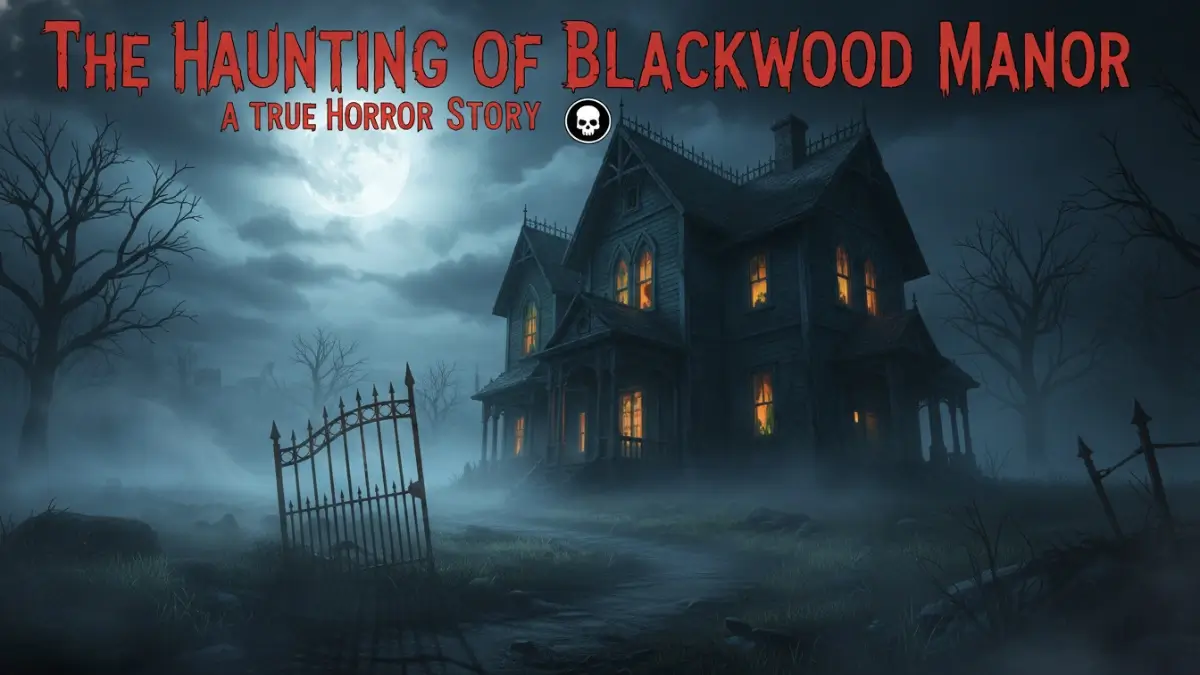
"Spooky horror thumbnail, haunted mansion at night, eerie fog, glowing windows, cinematic dark atmosphere, 8K..."
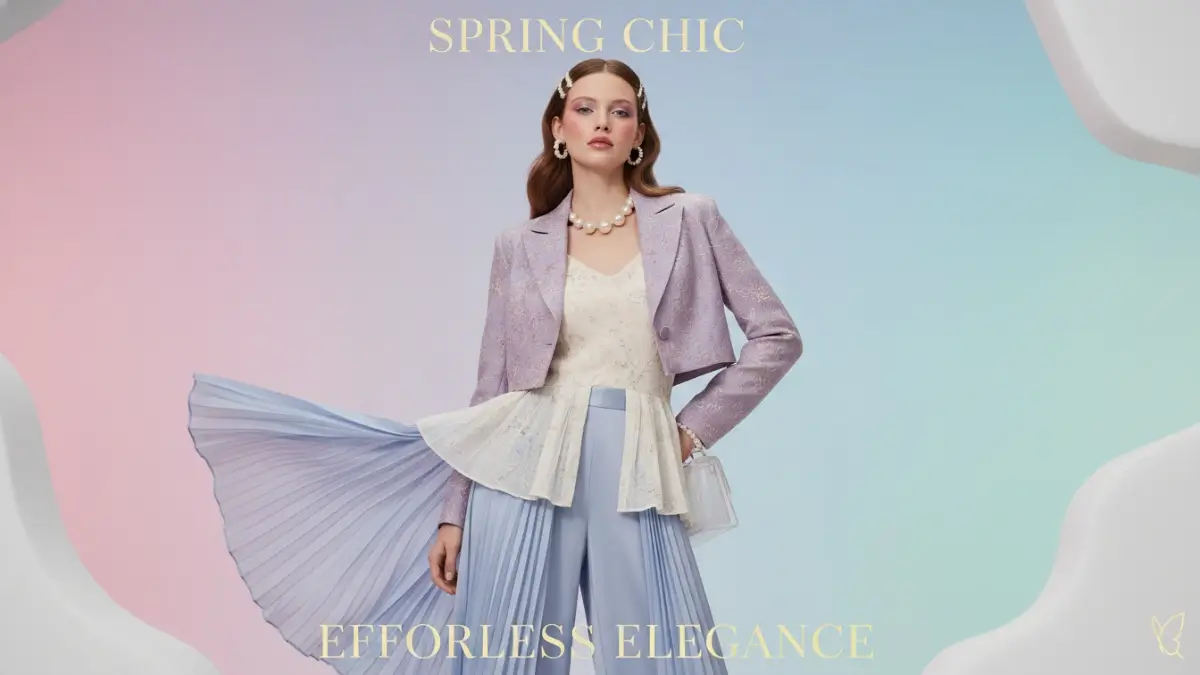
"Aesthetic fashion and beauty, professional model, soft studio lighting, pastel color palette, minimalist background, 8K..."
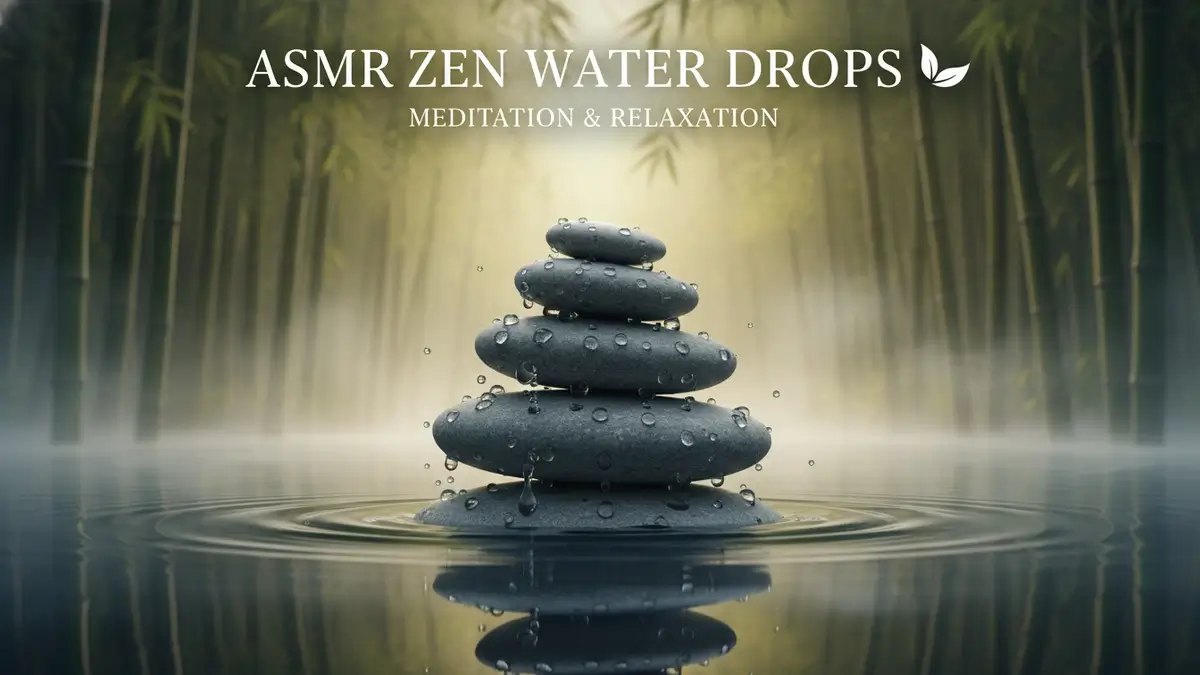
"ASMR and meditation thumbnail, zen stones stacked on water, soft morning mist, bamboo forest, peaceful atmosphere, 8K..."
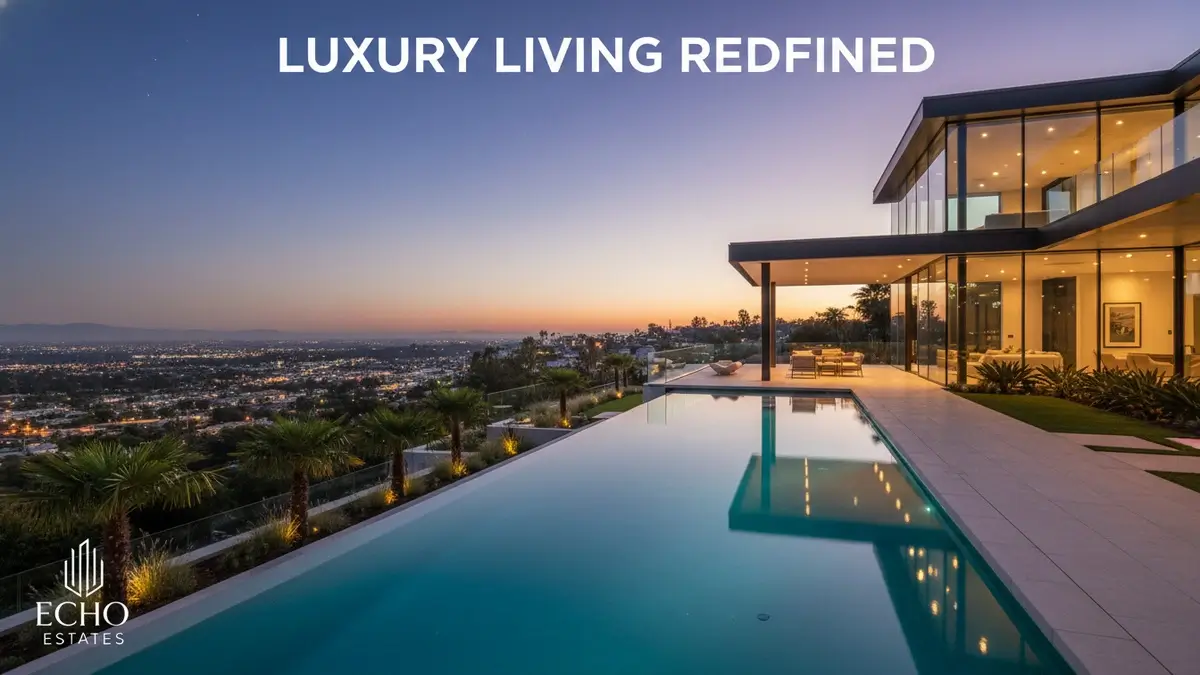
"Luxury real estate, modern glass mansion with infinity pool at twilight, warm interior lights, cinematic architectural photography, 8K..."
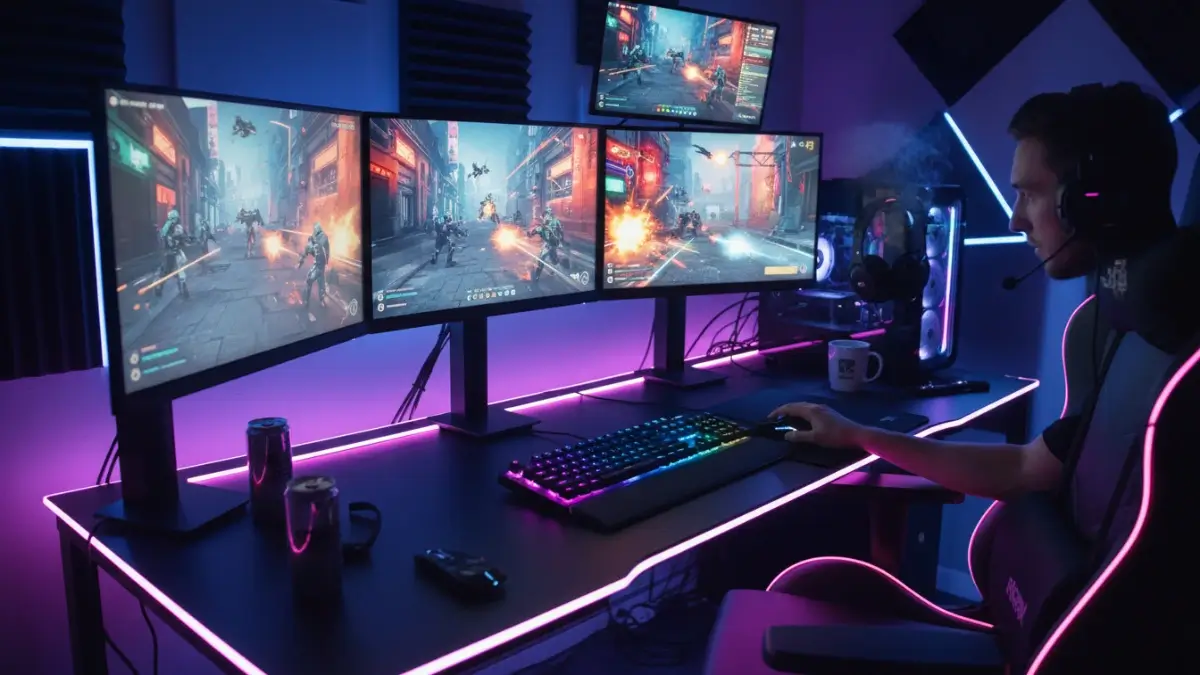
"Professional gaming setup, glowing RGB neon lights, dual monitors, dark room atmosphere, cinematic purple and blue lighting, 8K..."
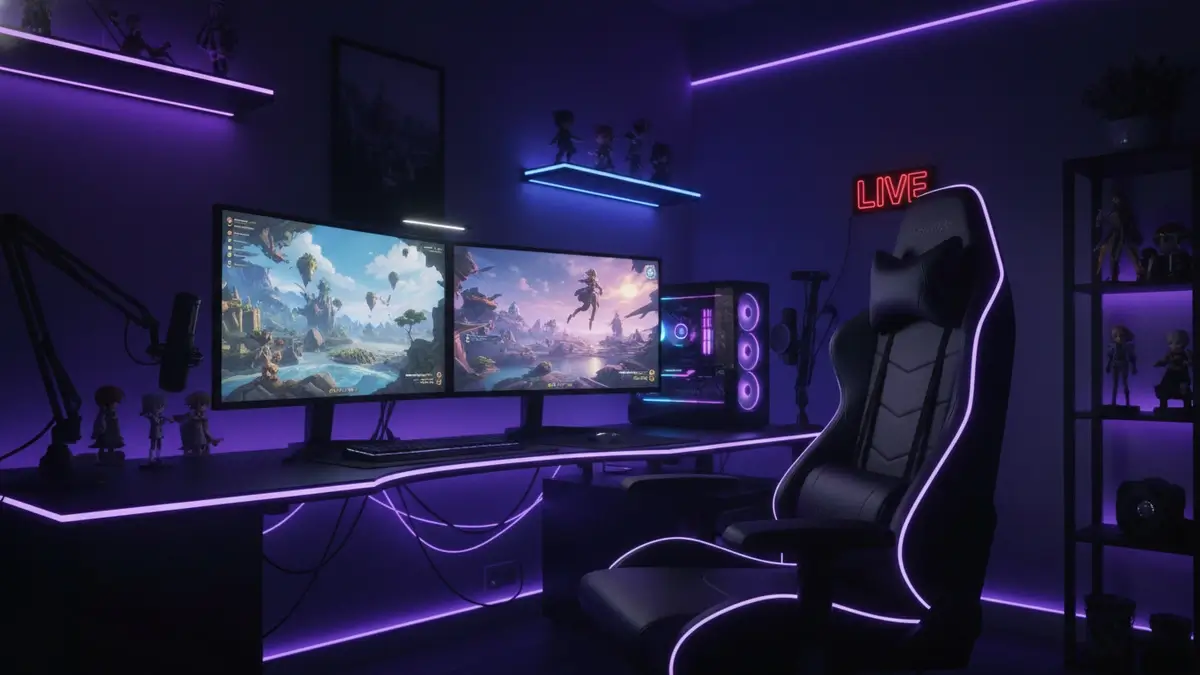
"Live gaming streamer, intense gameplay on multiple monitors, neon lit room, professional streaming gear, cinematic action, 8K..."
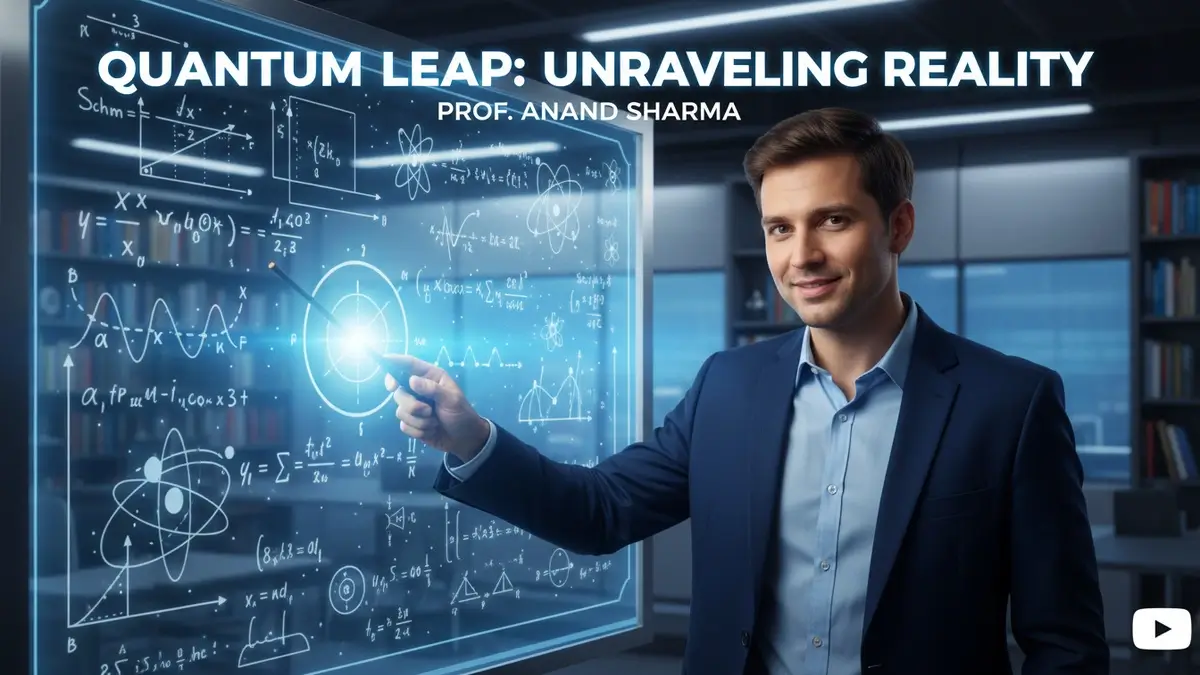
"Educational thumbnail, teacher pointing at digital whiteboard, complex equations, bright lighting, academic style, 8K..."
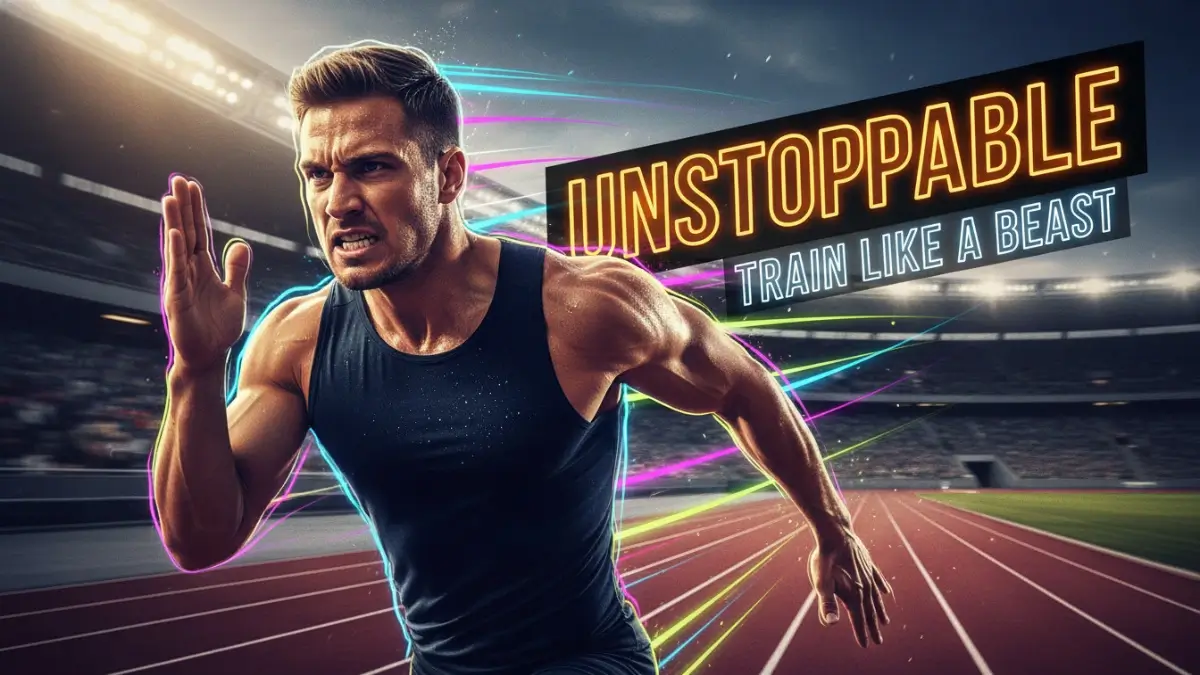
"High-energy fitness thumbnail, athlete sprinting, sweat glistening, motion blur, neon overlays, bold text 'UNSTOPPABLE', 8K..."
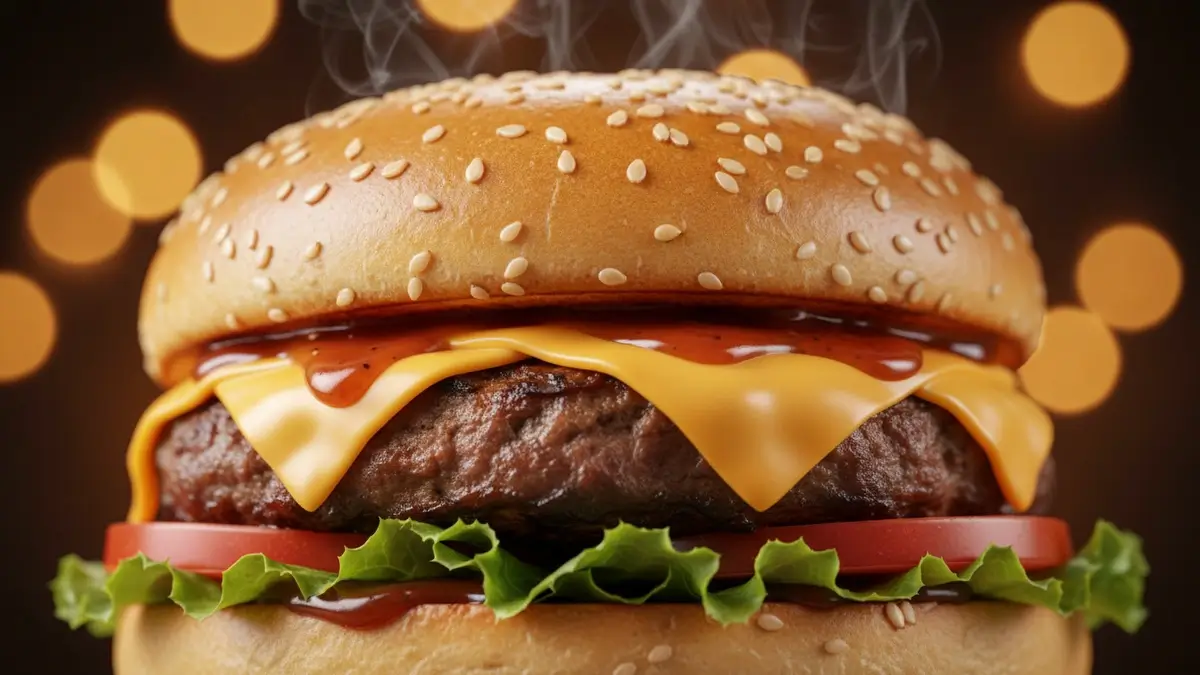
"Close-up of a gourmet burger, melting cheese, steam rising, professional food photography, bokeh background, 8K..."
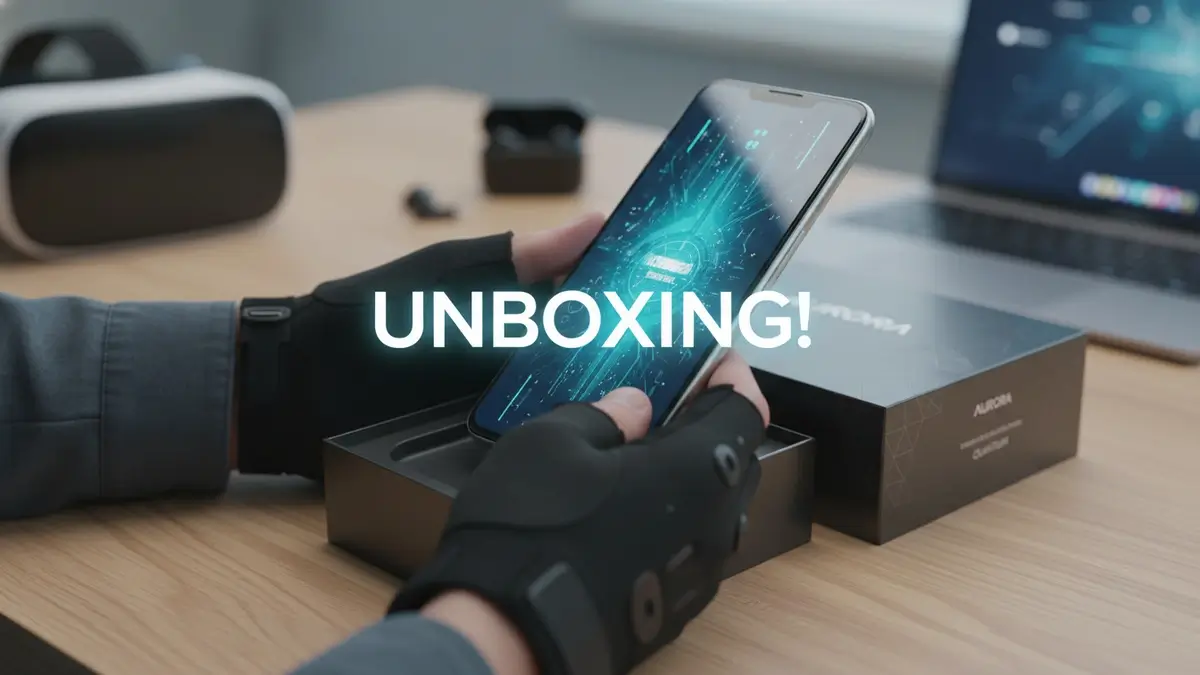
"Tech unboxing, hands holding sleek smartphone, premium packaging, studio lighting, bokeh tech background, 8K..."
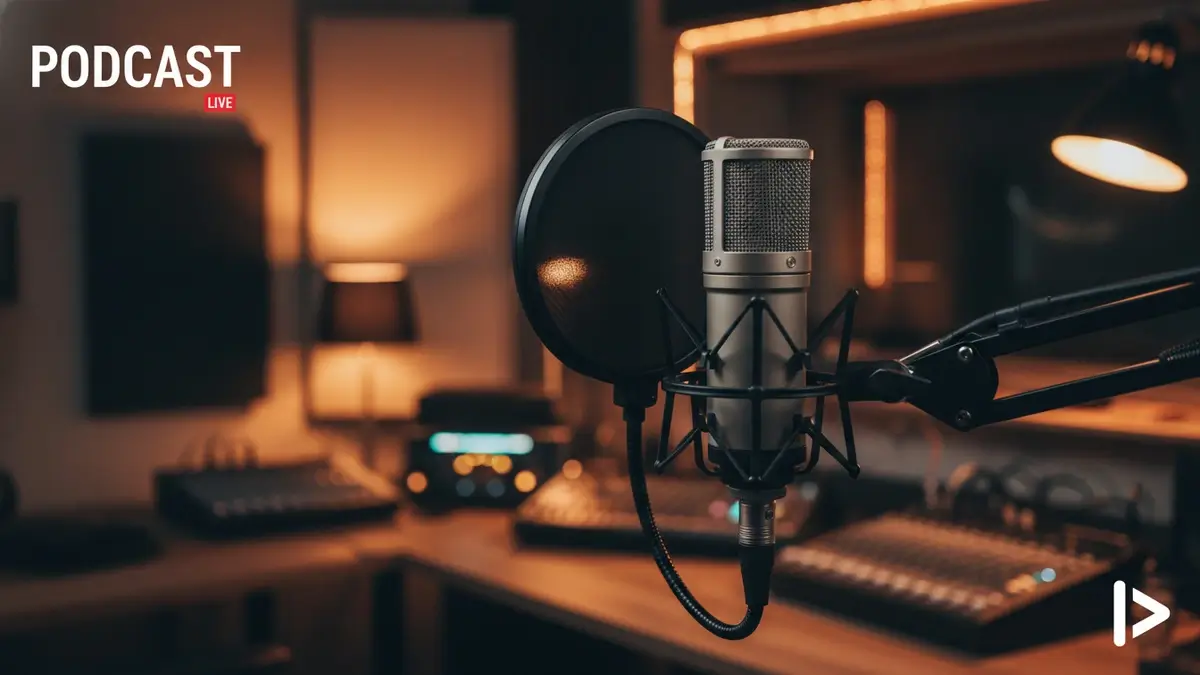
"Professional podcast thumbnail, high-end studio microphone, warm ambient lighting, blurred recording studio background, 8K..."
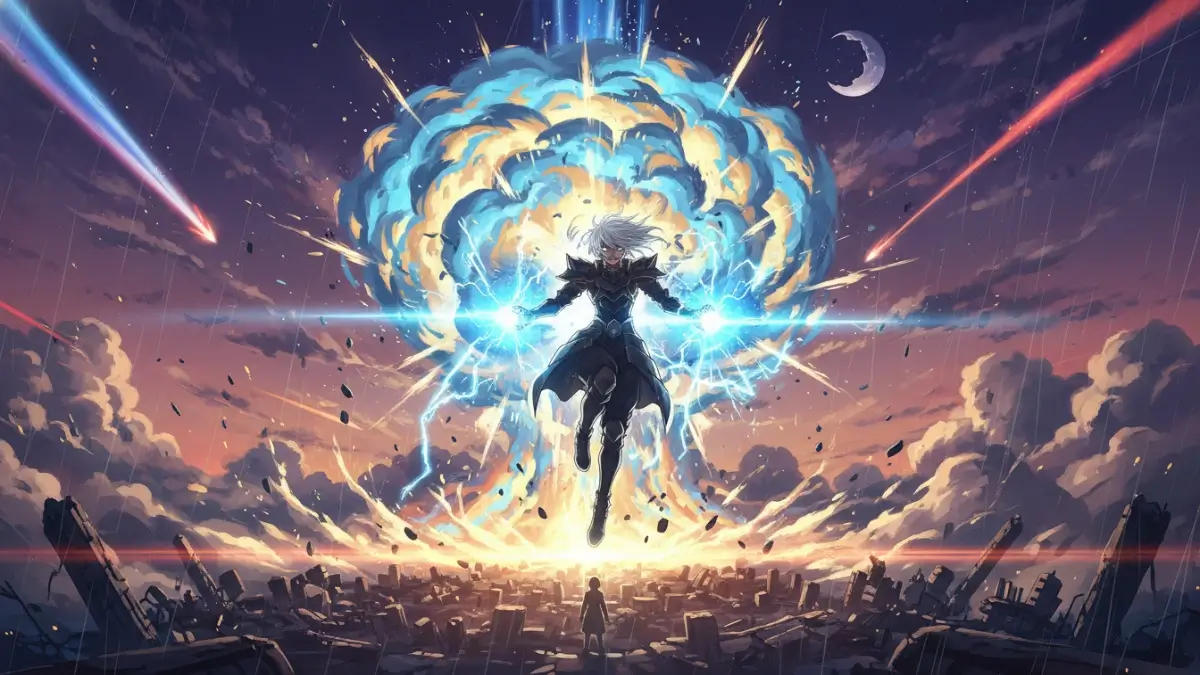
"Epic anime battle scene, powerful character with glowing energy, massive explosion, dynamic pose, cinematic lighting, 8K..."

"Luxury finance and crypto, golden bitcoin coins, digital trading chart, glowing green growth lines, professional lighting, 8K..."
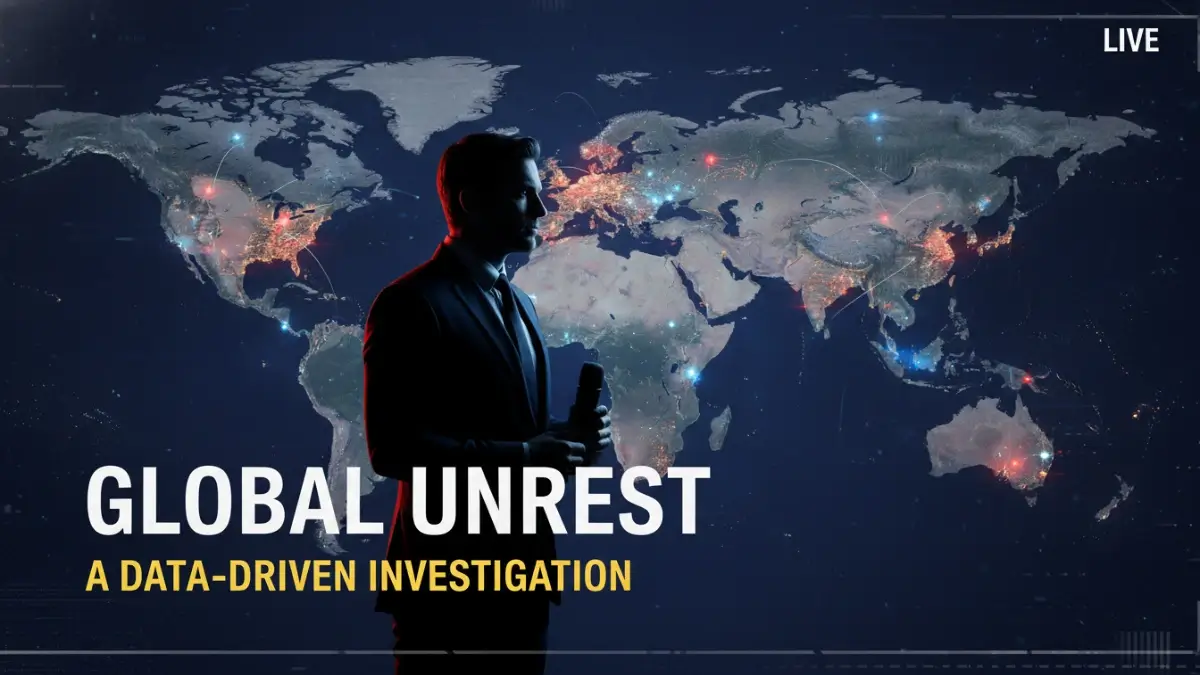
"News documentary, world map background, serious anchor silhouette, red and blue lighting, bold text 'BREAKING NEWS', 8K..."
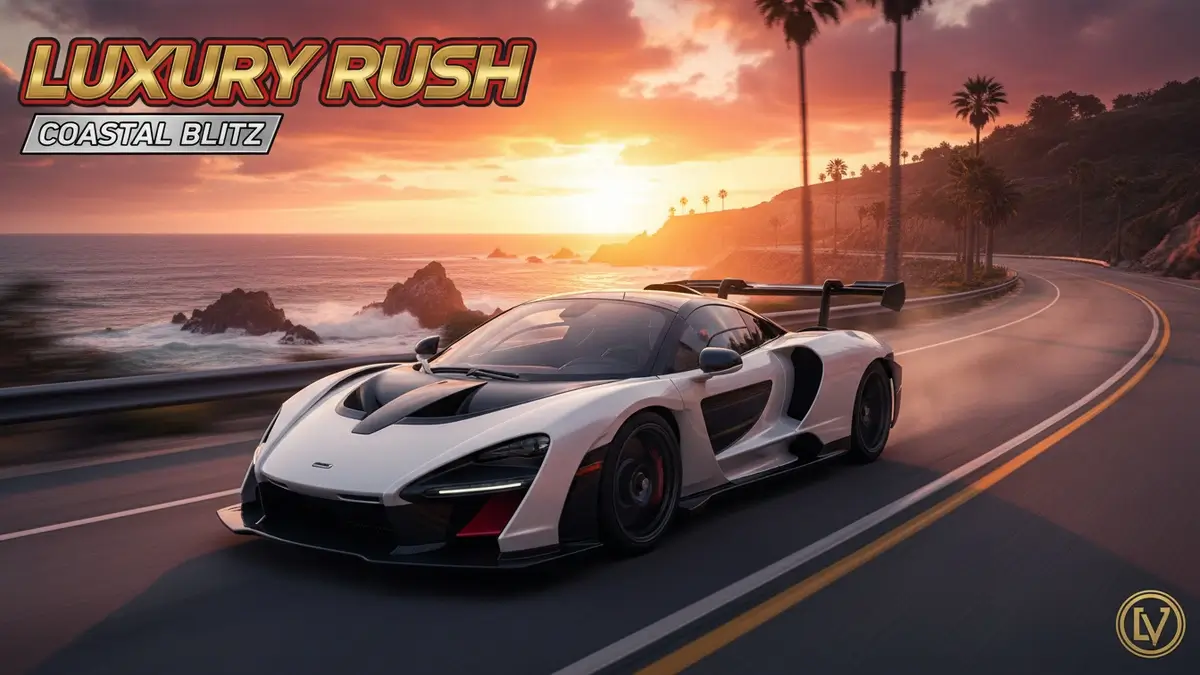
"Luxury supercar, sleek McLaren on coastal road at sunset, motion blur, vibrant orange sky, cinematic car photography, 8K..."
AI Logo Prompts
Generate perfect, scalable logo prompts for Minimalist, Mascot & Emblems.
Try Tool →Character Consistency
Create consistent AI character prompts for storytelling and design.
Try Tool →50+ Best AI Prompts
Jumpstart your creativity with our mega list of the 50 best prompts.
Get Prompts →Why You Need a Professional AI Prompt Generator
Crafting the perfect prompt for AI image generators like Midjourney, DALL-E 3, and Stable Diffusion is an art form in itself. A slight change in wording, the order of keywords, or the addition of specific technical parameters can drastically alter the final output. Our AI Prompt Generator simplifies this complex process by structuring your ideas into highly optimized, professional-grade prompts that AI models actually understand.
How Our Tool Enhances Your Creative Workflow
Whether you are a digital artist, a marketer looking for ad creatives, or a YouTube content creator needing viral thumbnails, our tool provides a massive advantage by leveraging years of collective experience in prompt engineering:
- Unmatched Consistency: Generate prompts that yield predictable, high-quality results every single time, eliminating the frustrating trial-and-error phase that often wastes valuable time and credits.
- Expert-Level Modifiers: We've built in the industry's best visual modifiers for lighting, camera angles, artistic styles, and emotional tones. These are the same techniques used by professional AI artists to create stunning masterpieces.
- Platform-Specific Optimization: Different AI models require completely different prompt structures. Our tool automatically adapts your prompt's syntax for Midjourney (using parameters like --ar), DALL-E (conversational), or Stable Diffusion (keyword-heavy) for peak performance.
- Overcoming Creative Block: Not sure where to start? Simply select a few dropdown options, and watch as our generator builds a comprehensive, imaginative prompt that sparks new creative directions.
Mastering AI Art Generation for Professional Use
To get the most out of AI art generation, it's crucial to understand the nuances of prompt engineering. The difference between an amateur AI image and a professional masterpiece lies entirely in the prompt's structure. By using our tool, you naturally learn how to combine core subjects, artistic styles, and technical parameters (like "8k resolution", "unreal engine 5 render", or "cinematic lighting") effectively.
Our team of experts is constantly testing new models and techniques to keep our generator updated with the latest trends in the AI world. For more in-depth strategies, tutorials, and case studies, check out our blog section where we cover everything from basic prompting to advanced AI art workflows.
Get Weekly AI Prompt Tips
Join 10,000+ creators getting our best AI prompts, Midjourney tips, and Stable Diffusion guides delivered to their inbox.
No spam. Unsubscribe anytime. Your data is safe with us.
Explore More Professional AI Prompt Generators
Combine our specialized prompt construction engines to streamline your creative design, graphic branding, cinematography, and copywriting workflows.
Mastering AI Art: The Ultimate Free AI Prompt Generator Tool
Welcome to ThumbPrompt Pro, your ultimate destination for crafting the perfect AI prompts. In the rapidly evolving world of artificial intelligence, generating high-quality images and text is no longer just about typing a few words; it is an art form known as prompt engineering. Whether you are a digital artist, a YouTube creator, a marketing professional, or a hobbyist, getting the exact output you envision from AI models like Midjourney, DALL-E 3, Stable Diffusion, and Flux can be challenging. Our Free AI Prompt Generator Tool is specifically designed to bridge the gap between your creative imagination and the technical requirements of these advanced AI engines.
We understand that staring at a blank text box can be intimidating. That is why we have built a comprehensive suite of prompt building tools that take the guesswork out of AI generation. By structuring your ideas with our intuitive interface, you can bypass the trial-and-error phase and instantly generate highly detailed, optimized, and effective prompts. This comprehensive guide will walk you through what this tool is, how you can maximize its potential, the immense benefits of using structured AI prompts, and expert tips for generating flawless AI images.
What is this Free AI Prompt Generator Tool?
The Free AI Prompt Generator is an advanced, web-based utility that assists users in formulating highly descriptive and technically accurate prompts for various AI generation platforms. At its core, the tool acts as a translator between human creativity and machine understanding. AI models require specific structures, keywords, lighting descriptors, and aspect ratio parameters to produce the best results. Our tool automatically formats your basic ideas into these complex, ready-to-use strings of text.
This platform is not just a single generator; it is an entire ecosystem tailored for different creative needs. It includes an Image Prompt Generator for breathtaking digital art, an AI Thumbnail Prompt Generator optimized for high-CTR YouTube thumbnails, a Logo Prompt Generator for brand identities, and a Character Consistency Prompt Generator for comic book artists and storytellers. By utilizing a robust database of modifiers—spanning art styles, camera angles, lighting conditions, and rendering engines (like Unreal Engine 5 or Octane Render)—our tool ensures that every prompt you copy and paste yields stunning, hyper-realistic, or beautifully stylized results.
How to Use the AI Prompt Generator
Using our platform is incredibly straightforward, completely free, and requires no account registration. Follow these simple steps to start generating professional-grade prompts:
- Select Your Tool: Choose the specific generator that fits your current project from our main navigation menu. For example, if you are creating art, choose the Image Prompt Generator. If you need a YouTube cover, select the Thumbnail Generator.
- Input Your Core Concept: Start by typing the main subject or action in the provided text box. This could be as simple as "A cyberpunk city in the rain" or "A cute golden retriever puppy playing with a ball."
- Customize with Modifiers: Use our user-friendly dropdowns and toggle buttons to select the artistic style (e.g., photorealistic, anime, watercolor), lighting (e.g., cinematic lighting, golden hour, neon glow), and camera parameters (e.g., wide angle, macro shot).
- Set Technical Parameters: Depending on your target AI (like Midjourney), you can set the aspect ratio (e.g., 16:9 for widescreen, 9:16 for shorts/reels), styling intensity, and negative prompts to ensure unwanted elements do not appear in your final image.
- Copy and Generate: Once you are satisfied with your selections, the tool automatically compiles everything into a single, cohesive prompt. Click the "Copy Prompt" button and paste it directly into Discord for Midjourney, the ChatGPT interface for DALL-E 3, or your preferred Stable Diffusion workspace.
The Benefits of Using Structured AI Prompts
Why shouldn't you just type a simple sentence into an AI image generator? While simple prompts can yield interesting results, structured AI prompts offer a multitude of advantages that elevate your work from amateur to professional:
- Unmatched Precision and Control: Structured prompts tell the AI exactly what you want. By explicitly defining the medium, style, lighting, and camera angle, you drastically reduce the AI's tendency to guess, resulting in images that align perfectly with your original vision.
- Time and Cost Efficiency: Generating AI art often costs credits or subscription time. By using our prompt generator to get the prompt right the first time, you save valuable resources that would otherwise be wasted on endless rerolls and adjustments.
- Professional Quality Outputs: Including industry-standard keywords like "volumetric lighting," "8k resolution," and "highly detailed" forces the AI to utilize its highest quality rendering capabilities, resulting in crisp, commercially viable artwork.
- Consistency Across Projects: If you are building a brand, a graphic novel, or a YouTube channel, maintaining a consistent visual style is crucial. Structured prompts allow you to reuse specific stylistic parameters, ensuring all your generated assets look like they belong in the same universe.
- Overcoming Creative Blocks: Sometimes you have a vague idea but lack the vocabulary to describe it to an AI. Our tool's extensive list of styles, artists, and lighting techniques serves as a massive source of inspiration, helping you discover aesthetics you may not have considered.
Expert Tips for Generating Perfect AI Images
Even with a powerful prompt generator, understanding the nuances of AI generation can help you achieve even better results. Here are some expert tips to keep in mind:
- Subject First, Details Later: Always place your main subject at the very beginning of the prompt. AI models prioritize the first few words. Describe the subject clearly before moving on to the environment, lighting, and style.
- Leverage Negative Prompts: Never underestimate the power of telling the AI what you do not want. Use negative prompts like "--no text, watermarks, blurry, deformed, extra fingers" to ensure clean, usable images. Our tool can automatically append these for you.
- Use Artist Names and Mediums: Invoking the names of famous artists (e.g., "in the style of Greg Rutkowski" or "by Studio Ghibli") or specific mediums (e.g., "oil on canvas," "3d render," "polaroid photography") provides a massive shortcut to achieving a specific look.
- Be Specific About Lighting: Lighting makes or breaks an image. Instead of just saying "bright," use terms like "cinematic lighting," "rim lighting," "bioluminescent," or "soft studio lighting" to add depth and drama to your generations.
- Iterate and Refine: Don't be discouraged if the first result isn't perfect. Use the initial output as a baseline. If it's too dark, add "bright ambient light." If the style is wrong, swap out the artistic modifiers. Prompt engineering is an iterative process.
Frequently Asked Questions (FAQ)
What is an AI prompt generator and why do I need one?
An AI prompt generator is a tool that helps you construct detailed, structured text descriptions (prompts) to feed into AI image and text models. You need one because AI models respond best to specific formatting, keywords, and parameters. A generator removes the guesswork, ensuring you include all necessary elements—like lighting, style, and camera angles—to get professional, high-quality results on your very first try.
Is the ThumbPrompt Pro AI prompt generator truly free to use?
Yes, absolutely. Our entire suite of AI prompt generation tools, including the image, thumbnail, logo, and character generators, is 100% free. There are no hidden fees, no premium subscriptions, and you do not even need to create an account or sign in to use our services.
Which AI models do your generated prompts work with?
Our prompts are highly versatile and are optimized to work seamlessly with all major AI image generation platforms. This includes Midjourney (v5 and v6), OpenAI's DALL-E 3, Stable Diffusion (including SDXL), Flux AI, and Leonardo AI. We also include specific parameter toggles, such as aspect ratios, that cater directly to Midjourney's unique syntax.
How do I use the AI Thumbnail Prompt Generator for YouTube?
To create a viral YouTube thumbnail prompt, select the Thumbnail Generator tool. Enter the core topic of your video. Then, use the interface to select facial expressions (e.g., shocked, excited), background elements, and specific text you want featured. The tool will format this into a prompt that commands the AI to create a high-contrast, clickable thumbnail image optimized for YouTube's interface.
What are negative prompts and how do they improve AI art?
Negative prompts are instructions that tell the AI what to exclude from the generated image. By using negative keywords such as "blurry, mutated, extra fingers, text, watermark, low quality," you actively prevent the AI from generating common artifacts and errors. This drastically improves the overall quality, clarity, and usability of your final AI artwork.
Can I use the images I generate for commercial purposes?
The prompts you create using our tool are entirely yours to use. However, the commercial rights to the actual images generated depend on the specific AI platform you use (e.g., Midjourney, DALL-E 3). Most paid tiers of these AI services grant you full commercial rights to the images you generate, meaning you can use them for marketing, merchandise, and monetization.
How does the Character Consistency prompt tool work?
Maintaining the same character across different images is notoriously difficult in AI art. Our Character Consistency tool helps you build a highly detailed "character sheet" prompt. It standardizes the description of the character's facial features, clothing, and hair, and helps you format reference parameters (like Midjourney's --cref) so you can generate the exact same character in different poses and environments.
Do you save or store the prompts I create on your website?
No, we prioritize your privacy and creative security. All prompt generation happens locally within your web browser using client-side scripts. We do not have access to, nor do we store, log, or save any of the text, concepts, or prompts you input into our generators. Your creative ideas remain entirely your own.