AI Video Prompt Generator
Generate cinematic, highly-detailed prompts for Sora, Runway Gen-2, and Pika Labs text-to-video AI.
Your Video Prompt:
Advertisement helps keep this tool free for everyone.
Explore Different AI Art Styles
Our generator supports a wide range of artistic styles and mediums.
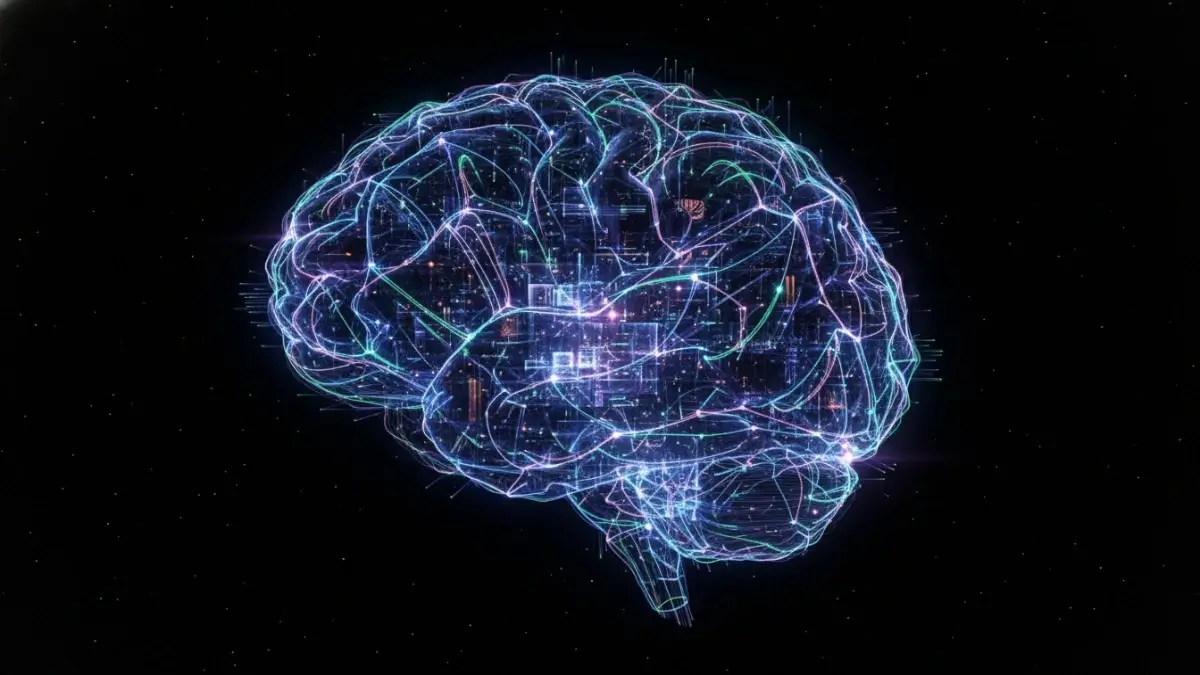
Surreal
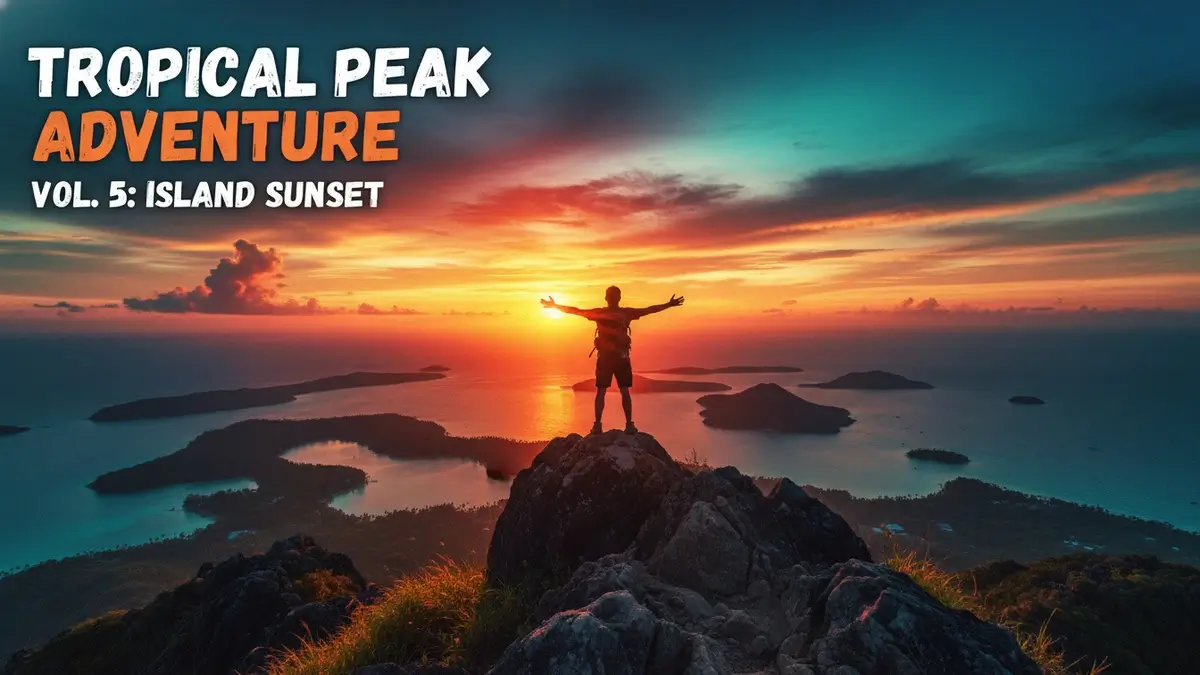
Watercolor
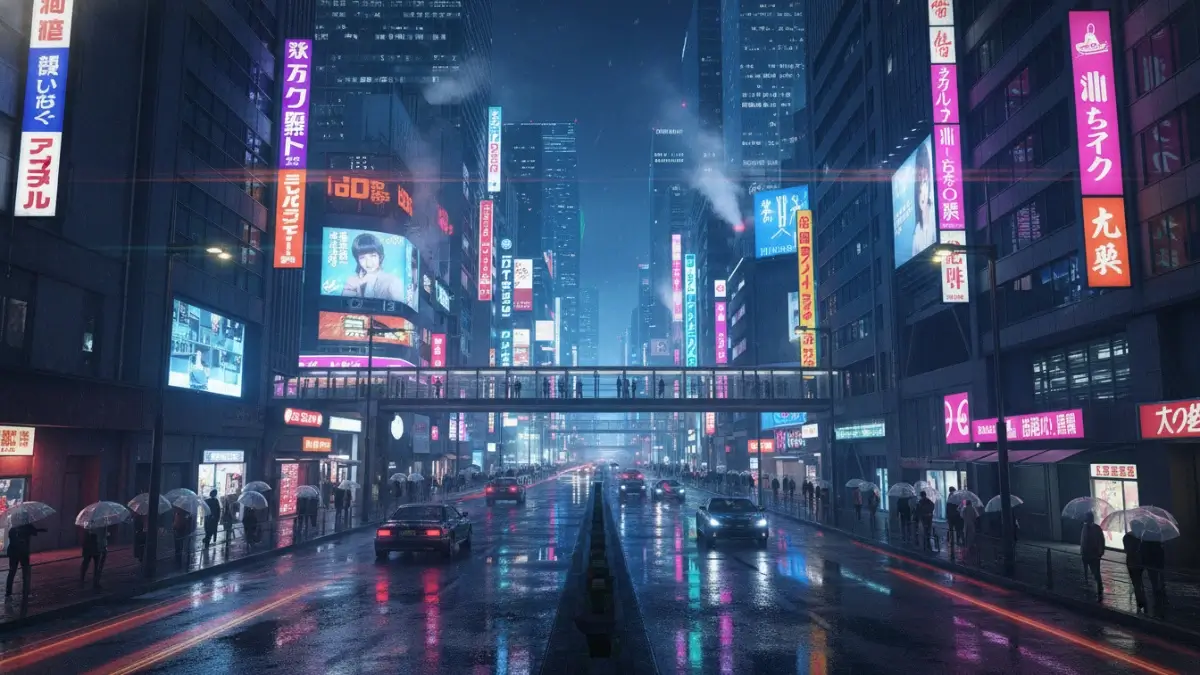
Cyberpunk
Futuristic
Why Use a Dedicated Image Prompt Generator?
Creating effective AI prompts for image generation can be incredibly challenging, especially when you're trying to achieve a specific artistic vision. A single missing keyword or incorrect phrasing can completely change the output. Our Image Prompt Generator acts as your personal prompt engineer, helping you:
1. Structure Prompts with Precision
Automatically arrange subjects, environments, and technical keywords in the optimal order for AI comprehension. This ensures that the most important elements of your vision are prioritized by the AI model.
2. Balance Artistic Style & Technical Specs
Seamlessly blend creative descriptions (like "cyberpunk city") with technical modifiers (like "8k resolution, Unreal Engine 5 render"). Our tool knows exactly how to combine these elements for the best results.
3. Include Critical Visual Details
Never forget to specify lighting, mood, camera angles, or composition again. Our tool prompts you for these essential elements, ensuring your generated images have depth and professional quality.
4. Save Time and Credits
Stop wasting your Midjourney or DALL-E credits on failed generations. Get it right the first time with a highly optimized prompt structure that minimizes trial and error.
The Anatomy of a Perfect Image Prompt
A great image prompt isn't just a simple description of what you want to see. It's a carefully crafted combination of the core subject, the surrounding environment, the artistic style, the lighting setup, and specific technical parameters. For example, instead of just typing "a cat," a perfect prompt might be "a majestic Maine Coon cat sitting on a velvet cushion, dramatic studio lighting, highly detailed, 8k resolution, photorealistic."
Our generator takes the guesswork out of this complex process by providing a structured, step-by-step approach to prompt creation, ensuring you cover all the necessary bases for a stunning final image that matches your imagination.
Supported AI Models and Their Nuances
The prompts generated by this tool are highly versatile and have been tested to work exceptionally well across the industry's leading AI image generators, including:
- Midjourney: Known for its highly artistic, stylized, and incredibly detailed outputs. Our tool automatically formats prompts to leverage Midjourney's unique parameter system (like aspect ratios and stylize values).
- DALL-E 3: Excellent at understanding complex, conversational natural language prompts and adhering strictly to the user's instructions.
- Stable Diffusion: Highly customizable and incredibly responsive to technical keywords, negative prompts, and specific artist styles.
- Leonardo AI: A powerful platform that excels in game assets, concept art, and photorealism, responding well to structured, descriptive prompts.
Need YouTube Specific Prompts?
If you're a content creator looking to boost your views, try our specialized YouTube tools:
Explore More Professional AI Prompt Generators
Combine our specialized prompt construction engines to streamline your creative design, graphic branding, cinematography, and copywriting workflows.
Frequently Asked Questions
Everything you need to know about AI Video Prompts
What is the AI Video Prompt Generator?
It is an advanced tool that constructs detailed, camera-controlled visual templates engineered specifically for leading text-to-video AI generators like Sora, Runway, and Luma.
Which video generators are supported by these prompts?
Prompts generated by our tool are fine-tuned for OpenAI Sora, Runway Gen-2 and Gen-3, Luma Dream Machine, Pika Labs, and Kling AI.
How do I prompt for specific camera movements?
Standard video models require explicit instructions like "cinematic slow-motion pan", "dolly zoom", or "drone aerial sweep". You can configure these movements directly inside our tool.
What is the importance of choosing frame rates and resolutions?
Clear technical descriptors like "Shot on Arri Alexa, 35mm lens, 4K resolution, 60fps cinematic pacing" force AI video systems to maintain high frame-by-frame stability.
How do I achieve natural, slow-motion movement in AI videos?
Our tool automatically implements slow-action triggers (e.g., "slowly falling raindrops", "drifting ocean waves") to avoid distorted, fast-forwarding visual glitches.
Can I generate hyper-realistic, real-world drone footage?
Yes! By choosing the Aerial Drone or Cinematic Cinematic presets, our tool formats prompts with flight camera angles, natural sunlight vectors, and geography keywords.
Is text rendering possible in AI-generated videos?
Text rendering in video remains tricky for most models. It is recommended to render a plain cinematic clip first and then overlay static or animated titles in post-production.
Does the AI Video Prompt Generator require expensive subscriptions?
Not at all. It is fully free and accessible, helping content creators, designers, and film production students learn text-to-video engineering principles.
How do I maintain lighting consistency in my video scenes?
Specify global ambient parameters (e.g., "golden hour sunset lighting, soft shadows, warm atmosphere") which our engine weaves into your video outline.
What are negative video prompts, and why do they help?
Negative modifiers discourage models from generating common defects such as "low resolution, static images with zero motion, sudden morphing, glitchy frame blends".