How to Create Viral YouTube Thumbnails Using AI Prompts (Step-by-Step Guide)
Table of Contents
Written by ThumbPrompt Pro Team
We are a team of AI Prompt Engineers and Digital Creators. We test thousands of AI prompts to help you generate stunning images and high-converting thumbnails.
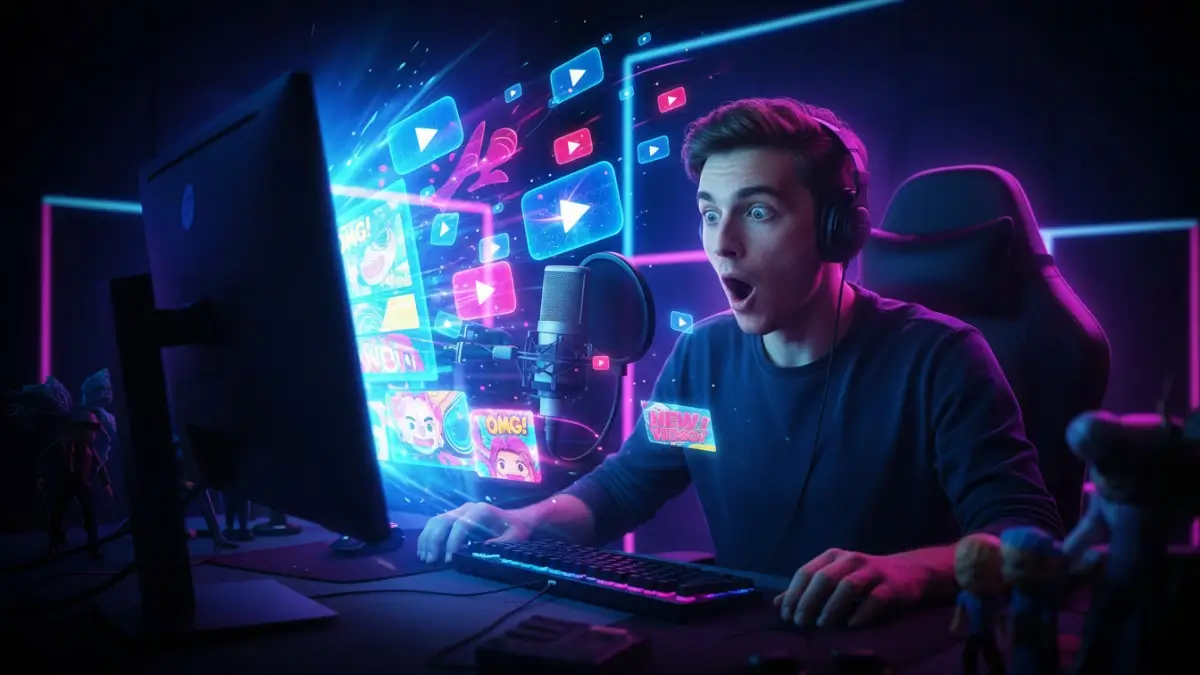
Have you ever spent hours filming and editing a YouTube video, only to see it flop because of a low Click-Through Rate (CTR)? You are not alone. The secret to getting more views isn't just about having a great video; it is about having an eye-catching thumbnail that stops the scroll.
In 2026, you don't need to be a Photoshop expert to design stunning visuals. With the right strategies to create viral youtube thumbnails using ai prompts, tools like Midjourney and DALL-E 3 can do the heavy lifting for you. Today, I am going to show you exactly how to write the perfect thumbnail making prompt to boost your channel's growth.
Advertisement
1. Why AI is a Game-Changer for YouTube Thumbnails
Before we dive into the exact formulas for building viral youtube thumbnails using ai prompts, let's understand why AI is revolutionizing content creation. Creating a thumbnail from scratch takes time, expensive software, and design skills. AI solves all three problems instantly.
- Speed: Generate dozens of concepts in seconds.
- Creativity: Combine impossible elements (like a glowing neon laptop floating in space) effortlessly.
- Cost-Effective: Save money on hiring expensive graphic designers.
2. The Anatomy of a Perfect Thumbnail Prompt
Generating viral youtube thumbnails using ai prompts isn't just about typing random words. A highly effective prompt follows a specific structure to ensure the AI understands exactly what you want.
The 4 Core Elements:
- The Subject: Who or what is the main focus? (e.g., "A surprised gamer," "A sleek sports car").
- The Action/Emotion: What is happening? High emotion drives clicks. (e.g., "screaming in excitement," "exploding with neon colors").
- The Background: Keep it relevant but slightly blurred to make the subject pop. (e.g., "blurred futuristic city background").
- The Style & Lighting: This is crucial for YouTube. Use terms like "YouTube thumbnail style, hyper-realistic, vibrant colors, rim lighting, 8k resolution."
3. Step-by-Step Guide: How to Generate Your Thumbnail
Ready to create your own viral youtube thumbnails using ai prompts? Follow these simple steps to use our free prompt generator tool and streamline your workflow.
Step 1: Define Your Video's Core Message
What is the one thing you want viewers to know before they click? Keep
it simple. If your video is about "How to make money online," your
subject should reflect wealth or success.
Step 2: Use Our Free Generator
Instead of guessing, head over to our
AI Thumbnail Prompt Generator. Simply enter your video topic, select your desired style (like 3D,
Realistic, or Anime), and hit generate. The tool will give you a
perfectly structured prompt.
Step 3: Paste into Midjourney or DALL-E 3
Copy the generated prompt and paste it into your favorite AI image
generator. Make sure to add the aspect ratio parameter if you are
using Midjourney (e.g., --ar 16:9).
Step 4: Add Text and Upscale
AI is great at images, but sometimes struggles with text. Take your
generated image into a free tool like Canva, add bold, readable text
(max 3-4 words), and you are ready to publish!
4. Proven AI Image Generation Prompts for YouTube
Here are three highly effective prompts you can copy and paste right now. Notice how they follow the structure we discussed earlier.
The "Tech Review" Style
The "Finance/Crypto" Style
The "Vlog/Lifestyle" Style
5. Frequently Asked Questions (FAQs)
What is the best AI for YouTube thumbnails?
Currently, Midjourney v6 and DALL-E 3 are the top choices. Midjourney is excellent for highly artistic and cinematic styles, while DALL-E 3 is fantastic at following complex instructions and generating specific details.
How do I write a prompt for a YouTube thumbnail?
Always include your main subject, an exaggerated emotion or action, the background setting, and specific style keywords like "YouTube thumbnail style, vibrant colors, high contrast, 16:9 aspect ratio." Or, simply use our free prompt generator to do it automatically.
Are AI thumbnails monetizable on YouTube?
Yes! YouTube allows the use of AI-generated thumbnails, and they do not affect your channel's monetization status. Just ensure the image accurately represents the content of your video to avoid misleading viewers.
Ready to Skyrocket Your CTR?
Stop wasting time struggling with design. Master the art of creating viral youtube thumbnails using ai prompts so you can focus on building an audience.