How to Write Better Midjourney Prompts: A Pro's Guide
Table of Contents
Written by ThumbPrompt Pro Team
We are a team of AI Prompt Engineers and Digital Creators. We test thousands of AI prompts to help you generate stunning images and high-converting thumbnails.
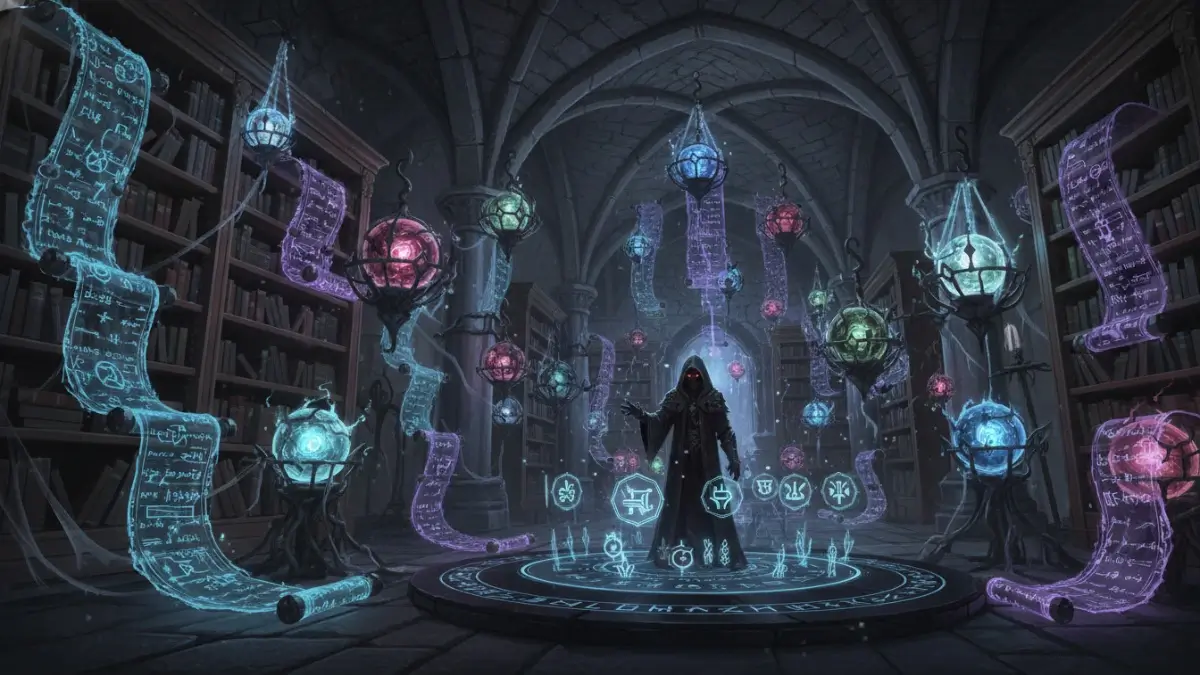
I still remember my first week using Midjourney. I would type things like "a cool futuristic city" and get back a messy, blurry image that looked nothing like what I had in my head. Once I learned how to write better midjourney prompts, my results completely transformed.
The truth is, Midjourney is like a highly skilled artist who speaks a very specific language. If you give vague instructions, you get vague art. If you want to know how to write better midjourney prompts, you must learn this exact "grammar" of prompt engineering to create masterpieces on demand.
In this guide, I am going to share my personal framework on how to write better midjourney prompts. We will cover the anatomy of a perfect prompt, lighting tricks, and the advanced parameters that separate beginners from pros.
The Anatomy of a Perfect Midjourney Prompt
A professional Midjourney prompt is not just a random string of words. It follows a logical structure. When people ask me how to write better midjourney prompts, I always teach them the S.E.L.F. Framework:
- S - Subject: Who or what is the main focus?
- E - Environment: Where is the subject located?
- L - Lighting & Camera: How is the scene lit and captured?
- F - Format & Parameters: What is the style, aspect ratio, and version?
Step 1: Define a Clear Subject
The biggest mistake beginners make is being too vague. Instead of saying "a dog," be specific about the breed, age, color, and action.
Midjourney v6 is incredibly good at understanding natural language, so you can describe your subject exactly as you would to a human artist.
Step 2: Build the Environment
Context is everything. The environment sets the mood and gives the AI a background to render. Use descriptive adjectives.
Step 3: Master Lighting and Camera Angles
This is where the magic happens. Adding photography terms will instantly elevate your images from "AI-looking" to photorealistic.
- Lighting terms: Cinematic lighting, golden hour, volumetric lighting, neon rim light, soft studio lighting, harsh shadows.
- Camera terms: Shot on 35mm lens, depth of field, macro photography, drone shot, low angle shot, GoPro footage.
Step 4: Use Advanced Midjourney Parameters
Parameters are special commands you add to the end of your prompt
(using two dashes --). Here are the ones I use daily:
-
--ar 16:9(Aspect Ratio): Changes the shape of the image. Use 16:9 for YouTube/Desktop, 9:16 for TikTok/Reels, and 4:5 for Instagram. -
--v 6.0(Version): Ensures you are using the latest, most advanced Midjourney model. -
--stylize 250(or--s 250): Controls how artistic the image is. Range is 0-1000. Lower values are more realistic, higher values are more painterly. -
--chaos 50(or--c 50): Controls how different the 4 grid images are from each other. Great for brainstorming. -
--no text, watermarks(Negative Prompting): Tells the AI what NOT to include in the image.
Common Prompting Mistakes to Avoid
Based on my experience, here are the traps you need to avoid:
- Keyword Stuffing: In older versions (v3/v4), people used to add "4k, 8k, unreal engine, trending on artstation." In Midjourney v6, this actually hurts your prompt. Write in natural, descriptive sentences instead.
- Contradictory Terms: Don't ask for "bright sunny day" and "dark cinematic shadows" in the same prompt. The AI will get confused.
- Ignoring the Weighting System: If you want the AI to focus more on the dog than the park, put the dog at the very beginning of the prompt. Midjourney pays the most attention to the first few words.
Frequently Asked Questions (FAQs)
How do I make my Midjourney images look less like AI?
The "AI look" usually comes from overly smooth textures and perfect symmetry. A big part of learning how to write better midjourney prompts is adding terms like "film grain, raw photography, candid, imperfect, shot on Kodak Portra 400." This adds realistic noise and texture to the image.
Can I use Midjourney images commercially?
Yes, if you are a paid subscriber to Midjourney, you own the commercial rights to the images you generate. You can use them for book covers, YouTube thumbnails, website graphics, and merchandise.
What is the difference between Midjourney and DALL-E 3?
Midjourney is generally superior for artistic quality, photorealism, and complex lighting. DALL-E 3 (built into ChatGPT) is better at following exact, complex instructions and generating legible text within the image.
Conclusion
Understanding how to write better midjourney prompts is a skill that takes practice. Start with the S.E.L.F. framework, experiment with different lighting terms, and don't be afraid to use parameters to fine-tune your results.
If you ever feel stuck, try using our Free AI Image Prompt Generator. It automatically structures your ideas into perfect Midjourney syntax, saving you time and credits!