Best Sora Video Prompts: Generate Cinematic AI Masterpieces
Table of Contents
Written by ThumbPrompt Pro Team
AI Video Creators and Prompt Engineers. Sharing the most advanced prompts for next-generation cinematic video workflows.
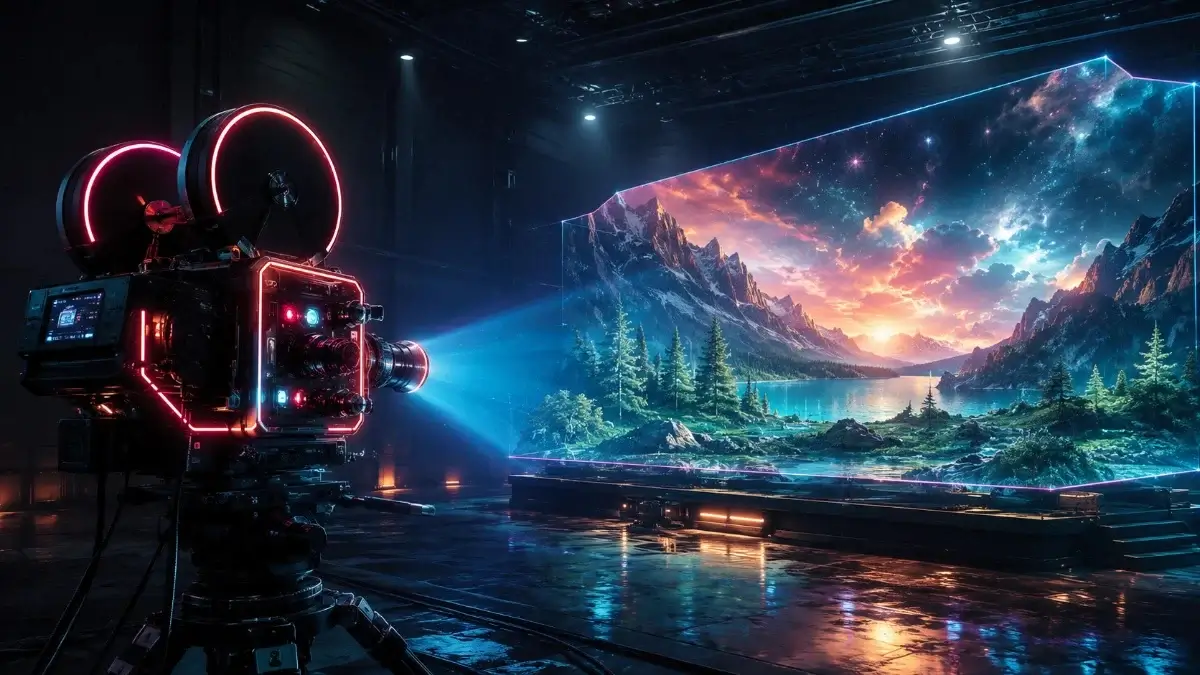
The AI Video Revolution
When OpenAI announced Sora, it completely shifted the paradigm of digital filmmaking. The ability to generate temporally consistent, hyper-realistic video from simple text has opened doors for creators across the globe. However, unlocking this power requires more than generic descriptions; you need the Best Sora Video Prompts structured with intent, camera direction, and lighting specifications.
In this guide, we break down top-tier prompting techniques that guarantee breathtaking footage. From photorealistic drone shots to intricately stylized 3D animations, these prompts will help you dominate the AI video landscape.
1. Photorealistic Cinematic Prompts
To generate footage that looks like it was shot on a RED or ARRI cinema camera, you must include detailed lens and film-stock descriptions.
Pro Tip: Describing the specific camera lens (like 35mm anamorphic) and the color grading immediately elevates the video from "stock footage" to "Hollywood film."
2. 3D Animation & Stylized Prompts
Sora isn't just for realism; its understanding of animated textures and physics is staggering. Use this to create Pixar-quality animations.
3. Dynamic Drone Traverse Prompts
One of the hardest things in early video AI models was maintaining spatial consistency during camera movement. Sora excels at this. You can specifically prompt for drone sweeps.
Why this works: Terms like "FPV drone shot" and "banks sharply" dictate the exact physics of the camera's motion to the AI.
4. Ultra-Detailed Macro Prompts
A great way to showcase the quality of AI video is through macro (close-up) footage of liquid dynamics, nature, or textures.
The Secret to Camera Movement
When writing the best Sora video prompts, structure your sentences geographically. Start with the subject, describe the environment, and then explicitly state the camera movement.
- Pan: Camera rotating side to side. (e.g., "Camera pans slowly from left to right...")
- Tilt: Camera rotating up and down. (e.g., "Dramatic tilt up to reveal the skyscraper...")
- Dolly/Tracking: Camera physically moving forward, back, or alongside the subject. (e.g., "Fast tracking shot following the car...")
Conclusion
The era of text-to-video is evolving rapidly. By mastering these specific Sora video prompts, you ensure that your generations are consistently beautiful, purposeful, and highly professional. Remember to always experiment with lighting terminology and specific camera directions!
Ready to draft your next script or visual ideas? Try using our Free AI Video Prompt Generator to instantly formulate advanced video instructions for Sora, Runway, and Pika Labs.